Morse Code Translators
Morse code translators all sound interchangeable until you need a specific one, and then the differences matter a great deal. Converting typed text is a different job from decoding a photograph of a bracelet, which is different again from reading a tone off a recording or working out whether an old telegram is even written in the code you think it is. This page is the directory for every translator on this site: what each one does, when it is the right tool, and where it will let you down.
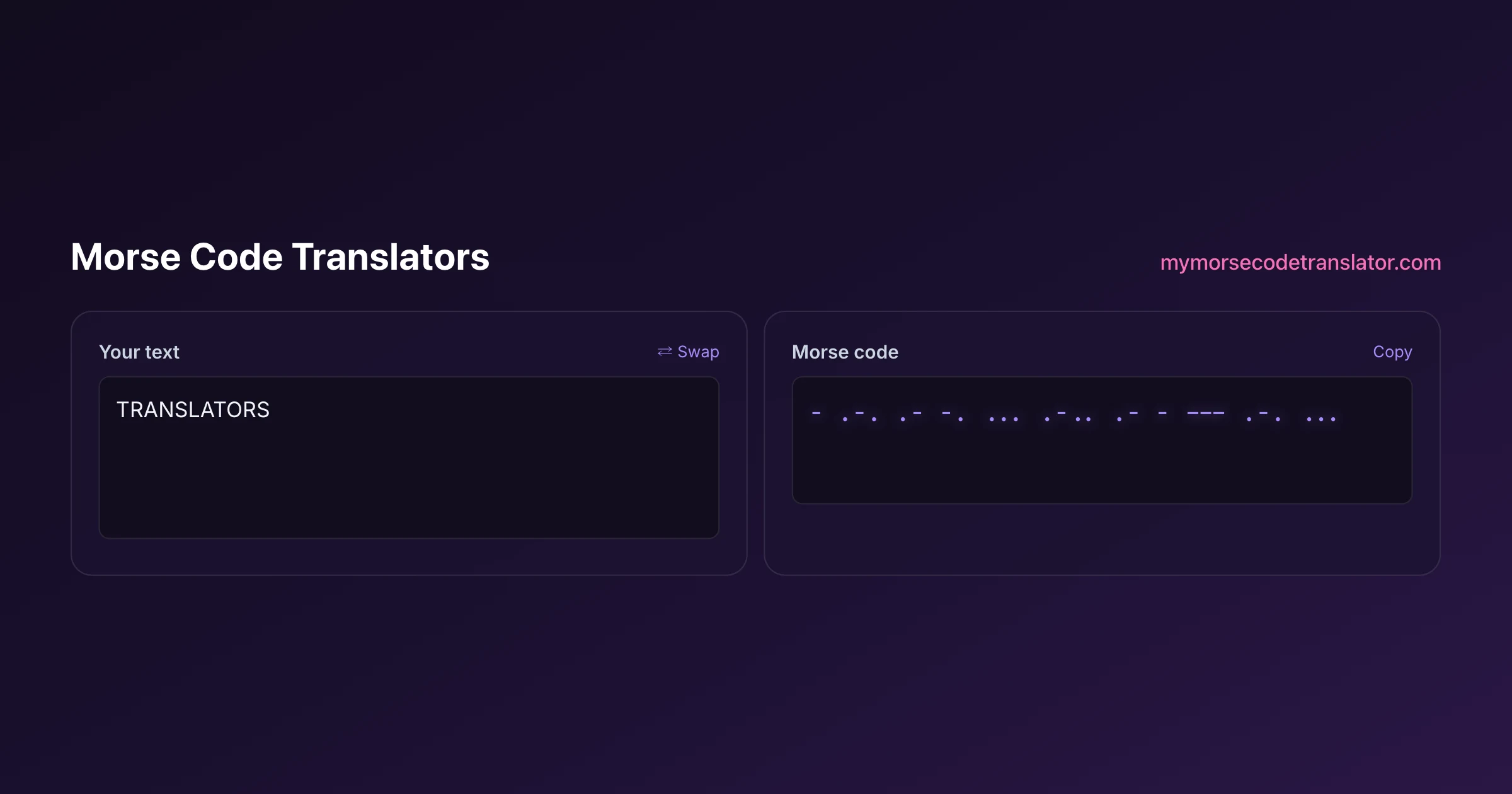
👀 Preview
Press ▶ Play — this shows what you'll see and hear.
Customize your message
Your picture appears in Play and downloaded videos. Note: it can't be included in a shared link — links carry the message only.
Share as a secret message
The message is hidden inside the link and decodes with sound & light when your friend opens it.
Start here: which translator do you actually need?
Work down this list and stop at the first line that matches your situation.
- You have text and want dots and dashes → the main morse code translator on the homepage, or text to morse code for the plain conversion.
- You have dots and dashes and want text → the morse code decoder, or dots and dashes translator if you are unsure how to type the marks.
- You have a photograph of a bracelet, tattoo or printed code → the morse code image translator.
- You have a recording or a sound you can hear → the morse code audio translator.
- You have numbers specifically → the morse code number translator.
- The output is nonsense and you suspect an older code → the american morse code translator.
- Your text has accents or a non-Latin script → morse code in other languages.
Everything on this page ultimately runs the same International Morse table, standardised by the ITU. What differs is the input — text, pixels, audio, or a historical variant — and that is genuinely where the difficulty lives.
Text translators: the everyday tools
These handle the common case, which is typing something and getting dots and dashes back, or the reverse.
- Morse code translator — the main tool, on the homepage. Converts both directions and adds sound, light, video export and shareable links.
- Text to morse code — the plain text-to-dots conversion, explained end to end.
- English to morse code translator — the same job framed from English, including what happens to characters Morse has no symbol for.
- Morse code to english translator — decoding in the other direction, and how to handle spacing that has gone wrong.
- Translate morse code — a general walkthrough of translating in either direction.
- Morse code decoder — focused on reading code you have been given rather than writing your own.
If you are doing anything longer than a single word, use one of these rather than a printed chart. Hand-conversion is where single-dot errors creep in, and the tool will decode your result back so you can verify it — which a chart cannot do.
Translators for sound, light and images
These take input that is not typed text, and they are meaningfully harder problems.
- Morse code audio translator — working with Morse you can hear, and turning text into a tone you can play.
- Text to morse code audio — generating audio files, including choosing a pitch that is comfortable over long practice.
- Morse code image translator — reading dots and dashes out of a photograph or screenshot.
- Morse code light translator — flashing a message on screen or with a phone torch, and reading flashes back.
- Morse code bracelet translator — decoding a beaded bracelet or piece of jewellery you own or are about to buy.
- Morse code sound translator — what makes a recording readable, and how to get a result from audio somebody sent you.
- Morse code picture translator — photographing a physical object so it actually decodes, which is mostly a question of how you shoot it.
A realistic expectation for each: audio and light generation are exact, because the tool controls the timing. Reading back from a photo or a recording is best-effort, because a real-world capture adds blur, shadows, angle and noise that a clean signal does not have. Clean, high-contrast, straight-on input decodes reliably; a curved bracelet photographed at an angle in poor light may not.
Specialist and variant translators
These exist because Morse is not quite as universal as it first appears.
- International morse code translator — the ITU standard, which is what essentially everything modern uses.
- American morse code translator — the original 19th-century landline and railroad code, which differs enough to silently mistranslate.
- Morse code in other languages — accented characters, plus how Russian, Greek, Japanese and Chinese handle Morse entirely differently.
- Morse code number translator — digits specifically, which follow a far more regular pattern than the letters.
The American Morse page is the one people find after an hour of frustration. If a message decodes to something almost readable — recognisable words with scattered wrong letters — that is the classic signature of an older code being read by a modern tool, and it is worth ruling out before you conclude the message is corrupt.
Translators framed by where you use them
Several pages cover the same underlying conversion but answer a different question people actually search for.
- Morse code translator online — using one in a browser, with nothing to install.
- Morse code translator app — whether you need an app at all, and what a web tool does better.
- Morse code translator software — desktop and installed options, and when they are genuinely worth it.
- Morse code translator website — what separates a good translator site from a thin one.
- Google translate morse code — what Google's inline widget does, and the specific things it cannot do.
These are not duplicates of each other. Someone searching for an app has a different concern — offline access, notifications, install size — from someone asking whether Google can just do it in the search results. Each page answers its own question honestly, including saying when the answer is "you do not need this".
What every translator here has in common
Three things hold across all of them, and they are worth stating once rather than repeating on every page.
They use International Morse. The letters, digits and punctuation follow ITU-R M.1677, which is the standard used by radio operators, jewellers, puzzle designers and every other modern tool. That means a result from any translator here matches what an operator anywhere in the world would read.
They mark what they cannot convert. Characters with no Morse equivalent — emoji, most symbols, non-Latin scripts — are flagged rather than silently dropped. A quietly shortened message is worse than a visible gap, because you cannot tell something went missing until the person at the other end asks what you meant.
They run in your browser. The text conversion, the audio, the light and the timing all happen on your device. Nothing about a typed message is uploaded, which matters when the message is a name, a private note or a gift you are checking before you hand it over.
The one exception is the image translator's fallback path, which sends a genuinely difficult photograph to be read and then discards it. That page says so plainly.
The mistake that causes most translation failures
Across every translator on this site, one issue accounts for more wrong results than everything else combined: spacing.
Morse has three different silences, and they carry meaning. A short gap separates marks inside a letter. A gap about three times longer separates letters. A gap about seven times longer separates words. Take those away and the code becomes genuinely ambiguous — four dots in a row is H if the gaps are short, two Is if they are medium, and four Es if they are long. The marks are identical in all three cases.
This is why a chart alone is not enough to write readable Morse, why bracelets without spacer beads cannot be decoded by a stranger, and why a decoder returns nonsense from a pattern that looks correct. If a translation is failing and the dots and dashes look right, the gaps are almost always the culprit — try regrouping them before assuming the message is wrong.
There is a full explanation of the ratios and how speed is calculated on the morse code timing page, which is the single most useful thing to read if you are producing Morse rather than just looking it up.
When you do not need a translator at all
It is worth saying, on a page that exists to list translators, that sometimes the fastest route does not involve one.
Short patterns you can see. If you are looking at five or six marks and you have a chart to hand, reading them yourself takes about ten seconds — less time than opening a tool and typing them in. This is especially true for puzzle answers and single letters.
Anything you already know. SOS is three dots, three dashes, three dots. Once a handful of patterns are in your head, you stop reaching for a tool for them entirely, which is a large part of why learning a few characters pays off so quickly.
Cases where the tool cannot help. If the spacing in your source is genuinely ambiguous — a bracelet with no letter gaps, a transcription where the pauses were not recorded — no translator can resolve it, because the information is not there. Feeding it in repeatedly will not change the answer. In that situation your options are to ask whoever made it, or to try plausible groupings and see which produces a real word.
Where a translator is unambiguously worth it: anything longer than a word, anything you are about to make permanent, anything where you want to hear or flash the result, and anything where you want to verify your own work by decoding it backwards.
A quick troubleshooting checklist
When a translation is not coming out right, work down this list. It resolves the large majority of cases.
- Check the spacing first. Letters running together, or split apart, is the most common cause by a wide margin. Try regrouping the marks.
- Check the direction. Decoding Morse as though it were text, or the reverse, produces immediate nonsense — and it is easy to do with the swap control.
- Look for unconverted characters. Anything the standard has no symbol for is flagged rather than dropped. If the output looks short, something in your input had no Morse equivalent.
- Consider the code variant. Almost-readable output with scattered wrong letters points at American Morse rather than a corrupt message.
- Consider the alphabet. Consistent, plausible-looking gibberish can mean the source is Cyrillic, Greek or another script entirely — see morse code in other languages.
- For photos, improve the capture. Crop tight, flatten the angle, raise the contrast, and try again before concluding the reader cannot handle it.
- Verify by round-tripping. Encode, then decode the result. If it does not return your original text, the problem is upstream of the tool.
Where to go from here
If you have found the translator you needed, the tool on this page will do the job directly — it converts both ways, plays the result as sound, and can flash it as light.
If you want to go beyond converting: the learn morse code hub covers reading it yourself, which is a genuinely quick skill to pick up and much more satisfying than looking things up. The morse code tools hub collects the creative side — bracelets, tattoos, videos, secret messages. And morse code converter handles conversions from other encodings such as binary and emoji.
And if you simply want the main tool, it is on the homepage, where the translator sits alongside the sound, light and sharing options.
The most common message I get is some version of "the translator is broken" — and in every case I have looked at so far, it was the spacing rather than the tool. Two runs of dots with an ambiguous gap between them will decode differently depending on how you group them, and no translator can guess which you meant.
Frequently Asked Questions
Q. What is the difference between all these morse code translators?
The underlying Morse table is identical — what differs is the input. Text translators convert typed characters, the image translator reads pixels, the audio translator works from sound, and the American Morse page handles a historical variant with different letter assignments.
Q. Which morse code translator is the most accurate?
Anything converting typed text is exact, because there is nothing to interpret. Reading from a photograph or a recording is best-effort, since real captures add blur, shadow and noise. If accuracy matters, type the dots and dashes rather than photographing them.
Q. Do I need a different translator for numbers?
Not necessarily — the main translator handles digits. The dedicated number translator exists because the digits follow a strikingly regular five-mark pattern that is worth understanding on its own, and because some people are converting dates or codes rather than words.
Q. Why does my message decode to almost-readable nonsense?
Two likely causes. Either the spacing is wrong, which makes letters run together or split apart, or the message is in American Morse rather than International — a variant that shares many letters but differs on about a dozen, producing scattered wrong characters.
Q. Are these translators free?
Yes, all of them, with no sign-up. The conversion, audio, light, downloads and shareable links are all free to use.
Q. Do these translators work on a phone?
Yes. Conversion, audio playback, screen flashing, the karaoke reveal and downloads all work in mobile browsers, and on many phones the tool can drive the camera torch for real light signalling.
Q. Is my text sent to a server?
No for typed text — conversion, audio and timing all run in your browser. The one exception is the image translator's fallback for difficult photographs, which sends the picture to be read once and then discards it; that page explains it directly.
Related guides
← Back to the My Morse Code Translator home page.

By Sukie
Sukie is the creator of My Morse Code Translator — a puzzle nerd and gadget tinkerer who fell down the Morse code rabbit hole and decided to build the most fun Morse translator on the web. When she's not adding new sound packs or reveal animations, she's decoding hidden messages in songs or designing Morse code bracelets for friends.
Last updated: 2026-08-14