Morse Code Decoder
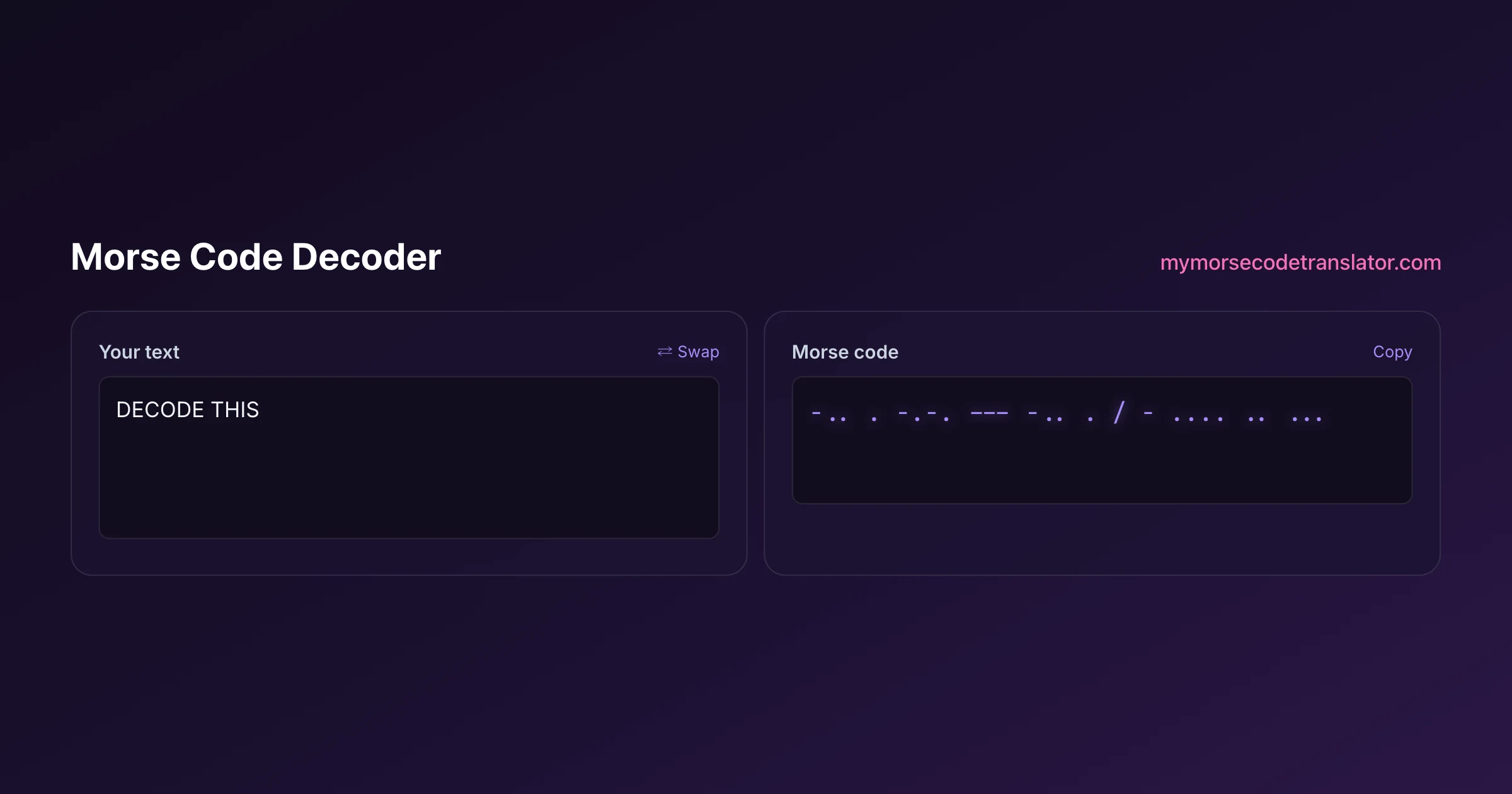
A morse code decoder takes dots and dashes and gives you back the message, and this one is built to survive the messy input real life throws at it. Paste your signal above and the decoded text appears instantly. But a decoder is only as good as its handling of the awkward cases, so this page goes past the button and into how decoding really works, why messages garble, and the specific fixes that rescue a signal you were about to give up on.
👀 Preview
Press ▶ Play — this shows what you'll see and hear.
Customize your message
Your picture appears in Play and downloaded videos. Note: it can't be included in a shared link — links carry the message only.
Share as a secret message
The message is hidden inside the link and decodes with sound & light when your friend opens it.
Confession: my first decode was a disaster
The first Morse I ever tried to decode was a birthday message a friend had painstakingly written out by hand. I pasted it into a decoder, hit go, and got half a line of English followed by a wall of question marks. I assumed the tool was broken. It was not. My friend had used one space for everything, letters and words alike, so the decoder had no way to tell where one letter ended and the next began. Ten minutes of adding slashes between words and it read perfectly.
That experience taught me the single most important thing about decoding: the dots and dashes are rarely the problem. The spacing is. Almost every failed decode is a spacing failure in disguise, and once you internalise that, you stop blaming the decoder and start fixing the gaps.
How a decoder reads your signal
Mechanically, decoding is a lookup with two kinds of separators. The decoder splits your input on letter gaps to find each character's pattern, splits on word gaps to find where words break, and looks up each pattern of dots and dashes in the International Morse table. If a pattern exists, out comes a letter. If it does not, the decoder flags it rather than guessing.
That is why written Morse needs a clear convention: a single space between letters, and a slash or double space between words. The dots and dashes carry the letter identities, but the spaces carry the structure, and you cannot reconstruct a sentence from letters with no idea where the words are. A decoder is really a spacing interpreter that happens to also know the alphabet.
The three ways messages garble
In my experience almost every garbled decode comes down to one of three causes, and each has a distinct fingerprint:
- Missing letter gaps: two letters run together into one impossible pattern, producing a single unknown group where the text should be. Fix by adding spaces between letters.
- Missing word gaps: words run together, so the letters are all valid but the output is one long unbroken string. Fix by adding slashes between words.
- A wrong dot or dash: a hand-sent signal drops or adds one symbol, turning one letter into a different valid letter or an unknown. This is the sneaky one, because sometimes it decodes to a real but wrong word.
When a decode looks mostly right with one odd patch, scan the gaps around that patch first. You will fix nine problems out of ten before you ever suspect the actual dots and dashes.
Decoding hand-sent Morse
Machine-generated Morse has perfect timing, so it decodes flawlessly. Human-sent Morse has a "fist", the personal rhythm and imperfections of the operator, and that is where decoding gets interesting. A tired operator stretches dots toward dashes. A fast one crams gaps too tight. The American Radio Relay League (ARRL) has spent a century teaching operators to send clean, well-spaced Morse precisely because a sloppy fist is hard for anyone, human or machine, to copy.
If you are decoding something a person sent by hand, be a little forgiving in how you read the gaps. Where the decoder flags an unknown, try nudging a borderline gap one way or the other. Often a dash that got sent slightly short, or a letter gap that got rushed, is all that stands between gibberish and a clean message.
When the decode succeeds but the words are wrong
The trickiest failure is when everything decodes to valid English that is subtly wrong, because a single dot or dash was off. "HELLO" with one dropped dot might come out as a different real word, and the decoder cannot know you meant something else, because both are legal Morse. This is where human judgement beats any tool.
When a decode reads as words but the sentence makes no sense, work backwards: find the word that breaks the meaning, look at its dots and dashes, and check whether adding or removing one symbol produces the word you expected. Because common letters have short codes, a single-symbol error usually turns one short letter into another, so the fix is often a one-character tweak. Trust the meaning of the sentence over the literal decode when they disagree.
Numbers, punctuation, and prosigns
A full decoder handles more than letters. Digits are five-symbol groups, punctuation marks like the full stop (.-.-.-), comma (--..--), and question mark (..--..) each have codes, and then there are prosigns, procedural signals sent as run-together letters. SOS is the famous one, sent as ...---... with no gaps between the S-O-S so it reads as a single distress signal rather than three letters.
Other prosigns you might meet include AR (.-.-.) for "end of message", SK (...-.-) for "end of contact", and BT (-...-) as a separator between thoughts. If your input contains these run-together, the decoder may flag them as unknown groups precisely because they are deliberately not normal letters. Recognising a prosign for what it is turns a confusing "unknown" into a meaningful signal.
There is a neat logic to why prosigns are written with a bar over the letters, like the notation you sometimes see as an overlined AR. The bar means "send these with no gap between them", so the two or three letters fuse into one distinct rhythm the receiving operator learns to hear as a single unit. That is also the reason a decoder trips on them: a decoder splits on gaps, and a prosign has deliberately removed the gap that would let it be split. If you know a message should contain, say, an end-of-message signal but the decoder flags an odd group right where it belongs, try mentally reading that group as run-together letters. Nine times out of ten it resolves into a prosign you recognise, and the "error" was really the code doing exactly what it was designed to do.
Privacy and the standard behind the decode
All decoding happens in your browser. Your dots and dashes are never uploaded or logged, so a private message, a puzzle solution, or a geocache clue stays entirely on your device and vanishes when you close the tab. There is no account, no history, and no server round-trip.
The decoder maps against International Morse Code as defined in ITU-R Recommendation M.1677 and catalogued on Wikipedia's Morse code article. That is deliberately the modern worldwide standard, which means it will not correctly decode the older American (railroad) Morse used on 19th-century landlines, where several letters and numbers had entirely different patterns. For anything you will realistically encounter today, international Morse is the right and only assumption you need.
A quick decoding checklist
When a decode does not come out clean, run this list before doing anything drastic:
- Are letters separated by single spaces? Add them if letters are jammed together.
- Are words separated by slashes or double spaces? Add them if the output is one long string.
- Does one flagged group sit in otherwise-good text? Check the dots and dashes there for an extra or missing symbol.
- Does it decode to real words that make no sense? Suspect a single-symbol error and test a one-character fix.
- Is it very old? It might be American Morse, which this decoder does not read.
Nine times out of ten the fix is on this list, and it is almost always about spacing.
I keep a mental note that dropped a single dot once turned a decoded 'SEE' into 'SIT' in a puzzle I was solving — both perfectly valid Morse, only the meaning gave it away. Ever since, when a decode reads as words that don't fit the sentence, I test a one-symbol fix before assuming anything else, and it's right far more often than not.
Frequently Asked Questions
Q. Why does my morse code decoder show question marks or unknown groups?
Each flagged group matched no valid Morse letter, which nearly always means a spacing problem: two letters ran together, or a single dot or dash was added or dropped. Add clear letter and word gaps around the flagged group, and it usually resolves in seconds.
Q. Can a decoder read Morse with no spaces at all?
No, and this is a hard limit, not a tool weakness. Morse is not self-punctuating, so without gaps a string like ...---... has many valid readings. The decoder needs single spaces between letters and slashes between words to reconstruct the message.
Q. It decoded to real words but they make no sense. Why?
A single dropped or added symbol can turn one valid letter into another valid letter, producing real but wrong words. Find the word that breaks the meaning, look at its dots and dashes, and test whether adding or removing one symbol gives the word you expected.
Q. How do I decode SOS and other prosigns?
SOS is sent as ...---... with no gaps, so it reads as one signal rather than three letters. Prosigns like AR and SK are also run-together letters. If the decoder flags them as unknown, that is because they are intentionally not standard characters; recognise them by their pattern.
Q. Does it decode numbers and punctuation?
Yes. Digits are five-symbol groups, and common punctuation like the full stop, comma, and question mark all have codes in the table. So ..--.. correctly decodes to a question mark rather than being flagged.
Q. Why does machine Morse decode perfectly but my friend's does not?
Machine-generated Morse has exact timing, so the gaps are unambiguous. A person sending by hand has a fist, with slightly uneven dots, dashes, and gaps. Be a little forgiving with borderline gaps, and nudge them where the decoder flags an error.
Q. Can it decode audio or a photo of Morse?
This decoder reads written dots and dashes. For sound, use the morse code audio translator, and for a picture, the image translator. Both convert their format into dots and dashes that this same decoding logic then reads.
Q. Is my message private?
Yes. Decoding runs entirely in your browser with nothing uploaded or stored. Private notes, puzzle answers, and geocache clues never leave your device and are gone when you close the page.
Q. Will it decode old telegrams?
Only if they use international Morse. Genuine 19th-century American or railroad Morse used different codes for several letters and numbers, so this decoder will misread it. For historical American Morse you need a specialist reference table.
Q. What is the fastest way to fix a garbled decode?
Check spacing first. Add single spaces between letters and slashes between words. That resolves the large majority of failures, because the dots and dashes are usually correct and the gaps are what went wrong.
Q. Can I decode by ear with this?
Indirectly, and it is a great method. As you hear a signal, write the dots and dashes on paper rather than trying to name letters live, then paste the lot in. It keeps you from falling behind and is exactly how many operators learned to copy.
Related guides
← Back to the My Morse Code Translator home page.

By Sukie
Sukie is the creator of My Morse Code Translator — a puzzle nerd and gadget tinkerer who fell down the Morse code rabbit hole and decided to build the most fun Morse translator on the web. When she's not adding new sound packs or reveal animations, she's decoding hidden messages in songs or designing Morse code bracelets for friends.
Last updated: 2026-07-08