Morse Code Flashlight: Turn Your Screen or Torch Into a Signal Lamp
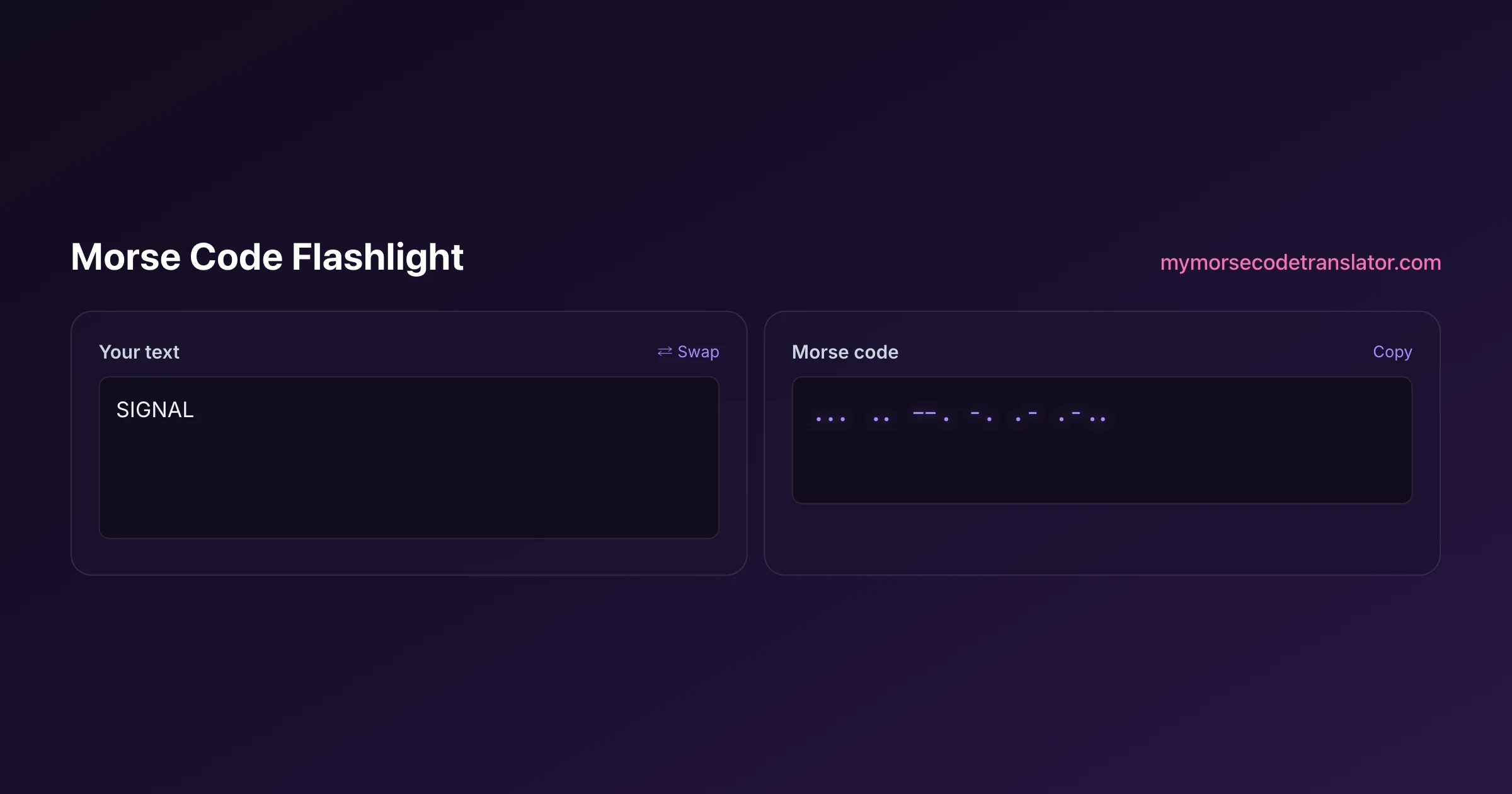
Morse code flashlight mode turns any phone or laptop into a blinking signal lamp: you type a message, and the tool flashes it out in real dots and dashes. I built this because the first time I tried to signal "SOS" across a dark campsite with the stock torch app, I fumbled the timing so badly my friend thought I was just waving hello. Type your words below, hit play, and the light does the counting for you while you concentrate on aiming it.
👀 Preview
Press ▶ Play — this shows what you'll see and hear.
Customize your message
Your picture appears in Play and downloaded videos. Note: it can't be included in a shared link — links carry the message only.
Share as a secret message
The message is hidden inside the link and decodes with sound & light when your friend opens it.
What actually flashes when you press play
There are two different lights this tool can drive, and it helps to know which one you're getting.
The first is the whole-screen flash. Your entire browser window pulses white for a dot, holds longer for a dash, and goes dark for the gaps. This works on literally every device with a screen — old Android phones, iPhones, iPads, Chromebooks, a laptop propped on a windowsill. It's bright enough to read across a room and, if you crank your brightness, across a surprising stretch of a dark yard.
The second is the real camera torch — the LED next to your rear camera, the same one the native flashlight app uses. That light is far more directional and punches through darkness at distance. The catch is that the web can only reach it on certain devices, which is the single most-asked question I get about this feature.
Why the torch works on Android but not on your iPhone
Here's the honest, slightly annoying truth: the real camera torch works in Android Chrome, and it does not work in iOS Safari.
Browsers reach the LED through a feature called the MediaStream Image Capture "torch" constraint. Android's Chrome implements it. Apple's WebKit — the engine every browser on iOS is forced to use, including "Chrome" and "Firefox" on iPhone, which are just Safari in a costume — has never shipped torch control to web pages. So on any iPhone or iPad, the torch button simply won't have anything to grab.
That's a platform limitation, not a bug in this tool, and there's no clever workaround a website can do about it. If you're on an iPhone, use the whole-screen flash instead — it's genuinely bright, and in a dark room it reads just fine. If you specifically need the long-range LED torch, borrow an Android phone running Chrome.
How to use it in ten seconds
The tool is built to be idiot-proof at 2 a.m. in a tent, so the steps are short:
- Type or paste your message into the box. Letters, numbers, and common punctuation all translate.
- Pick your flash source: "screen" works anywhere; "torch" appears only if your device supports it.
- Set the speed. The default is a gentle beginner pace; drag it faster once your eyes learn the rhythm.
- Press play. The light blinks your message once, then stops.
If you want it to repeat — say you're signalling for help and want a continuous beacon — turn on loop and it'll cycle until you stop it or your battery taps out.
The timing the light is actually keeping
Morse isn't just "short blink, long blink." The gaps carry as much meaning as the flashes, and this tool follows the standard ratios defined in the ITU-R M.1677 international Morse specification.
A dot is one unit of light. A dash is three units. The gap between the parts of a single letter is one unit of dark. The gap between letters is three units, and the gap between words is seven units. That 1 : 3 : 3 : 7 skeleton is what makes Morse readable — without it, "SOS" and "IJS" would look identical. When you slide the speed control, you're stretching or shrinking that whole unit while keeping the ratios locked, which is why fast Morse still parses correctly instead of turning to mush.
A safety note on flashing light
This matters, so I'm putting it plainly: rapidly flashing light can trigger seizures in people with photosensitive epilepsy.
The Web Content Accessibility Guidelines (WCAG) flag the danger zone as flashing faster than three times per second, especially bright full-screen flashes. At normal and slow Morse speeds this tool stays comfortably under that threshold, but if you crank the speed to its fastest setting the screen-flash can approach it. Please don't aim a fast full-screen strobe at someone without warning them, don't use it as a prank, and if you or the person you're signalling is photosensitive, keep the speed slow and prefer the small camera torch over the big screen flash. A signal lamp should be a fun tool, not a hazard.
Real situations people use a flashlight signal for
This isn't only a novelty. A blinking light is a genuinely useful channel when sound won't travel or would give you away.
- Camping and hiking: flashing "OK" or "SOS" tent-to-tent when you don't want to shout across a quiet campground.
- Across a noisy space: a concert, a factory floor, a windy beach — light cuts through noise that swallows a voice.
- Teaching Morse: kids learn the rhythm far faster watching a light blink than staring at dots on paper.
- Quiet-hours messaging: signalling a friend across a dark dorm or bedroom without making a sound.
- Backup emergency beacon: three short, three long, three short — the universal SOS — looping from a windowsill.
For anything that's a real emergency, treat this as a supplement, not a replacement for a proper rescue whistle, a charged phone with a working cell signal, or a dedicated locator beacon.
Battery, brightness, and squeezing out more range
A few field-tested tips for getting the most out of your improvised signal lamp.
Max your screen brightness before you start; auto-brightness will fight you in the dark and dim the flash. If you're using the screen-flash outdoors, cup your hands around the phone to make a rough reflector — it genuinely tightens the beam. The camera torch, where available, always outranges the screen for distance because the LED is focused, while the screen wins for a wide, soft, room-filling glow.
Looping a bright flash will drain a battery faster than you'd think, so if you're relying on it as an emergency beacon, send the signal in bursts — loop for a minute, rest for a minute — rather than strobing non-stop. And keep the phone warm; cold batteries in a winter tent lose capacity fast. If you have a power bank, this is exactly the kind of low-priority-but-nice-to-have gadget worth topping up between bursts, because a beacon that dies at hour three isn't a beacon.
Learning to read a light signal by eye
Sending is easy — the tool does the timing. Reading a flashing light back is the skill worth practicing, because it's the half a machine can't do for you in the moment.
The secret is to stop thinking in individual blinks and start hearing the rhythm, even though it's silent. A dot is a quick tick; a dash is a held glow you can feel is longer. The gap between letters is the beat where your brain gets to say "okay, that was a letter." Most beginners fail not because they can't tell a dot from a dash, but because they ignore the gaps and let letters run together. Watch for the pauses as hard as you watch for the flashes.
A good way to train is to set this tool to a slow speed, flash a short familiar word like your own name, and read it off the light before checking. Do that a dozen times and the shapes start to stick. If you'd rather practice by ear first — which many people find easier — pair this with our audio tool and learn the same letters as sounds, then come back to the light. Historically this is exactly how signal-lamp operators in navies trained: slow, repetitive, familiar words until the rhythm became second nature.
Where the flashing-light signal comes from
Signalling with light instead of sound is older than radio. Navies used shuttered signal lamps — a lantern with louvred blinds the operator snapped open and shut — to blink Morse between ships that couldn't or shouldn't break radio silence, a practice that carried right through both World Wars and still turns up in naval training today.
What you're doing with a phone screen is the direct descendant of that shuttered lamp: same code, same 1:3:3:7 timing, just a brighter, lazier version where software works the shutter. The letters and numbers your phone flashes are identical to the ones defined in the international standard, so in principle a trained signaller from a century ago could read your screen — which is a genuinely lovely thought. When you flash SOS off a windowsill, you're speaking the same visual language sailors used to call for help long before anyone carried a computer in their pocket.
When I tested this on my iPhone 13, the full-screen flash lit up a dark hallway just fine, but the torch button never appeared — that's the WebKit limitation, not a broken feature. On my partner's Pixel running Chrome, the LED torch fired instantly.
Frequently Asked Questions
Q. Does the morse code flashlight work on iPhone?
The whole-screen flash works on every iPhone. The real camera torch (the LED) does not, because Apple's WebKit engine never gave web pages torch control. Every browser on iOS uses WebKit, so "Chrome" on iPhone can't do it either. Use the screen-flash instead — it's plenty bright in a dark room.
Q. Why won't the torch button appear on my device?
The torch option only shows up when your browser exposes the camera's LED through the MediaStream torch constraint. That's mainly Android Chrome. If you don't see the button, your device or browser doesn't support it, and you should use the screen-flash mode, which works everywhere.
Q. Is it safe for someone with epilepsy?
Rapid flashing can trigger photosensitive seizures. Keep the speed on slow or normal, which stays under the roughly three-flashes-per-second danger zone described in WCAG, prefer the small camera torch over the full-screen flash, and always warn the person before you signal. When in doubt, don't strobe.
Q. How fast should I set the flash speed?
Start slow. Your eyes need practice to separate a one-unit dot from a three-unit dash. Once you can read the rhythm comfortably, nudge the speed up. Experienced operators read fast Morse, but there's no prize for blinking so quickly the other person can't follow you.
Q. Can the person on the other end read it back?
If they know Morse, yes — the flashes follow the standard ITU timing, so any Morse reader can decode them. If they don't, point them at our decoder or just agree on a few simple signals beforehand, like three short flashes for "come here."
Q. Does it drain my battery?
A single message costs almost nothing. Looping a bright flash continuously as a beacon will chew through your battery noticeably, so send in bursts — flash for a minute, rest for a minute — if you're relying on it for a while.
Q. Do I need to install an app?
No. It runs entirely in your browser. Nothing to download, no account, no permissions beyond the camera prompt if you choose the torch mode (screen-flash needs no permissions at all).
Q. Will it flash punctuation and numbers?
Yes. Numbers 0-9 and common punctuation like the period, comma, and question mark all have standard Morse codes and translate fine. Emoji and unusual symbols don't have Morse equivalents and get skipped.
Q. Can I flash SOS specifically?
Absolutely — just type SOS and turn on loop for a continuous distress beacon. SOS is three dots, three dashes, three dots, sent as one unbroken group with no letter gaps, which is exactly how the tool renders it.
Related guides
← Back to the My Morse Code Translator home page.

By Sukie
Sukie is the creator of My Morse Code Translator — a puzzle nerd and gadget tinkerer who fell down the Morse code rabbit hole and decided to build the most fun Morse translator on the web. When she's not adding new sound packs or reveal animations, she's decoding hidden messages in songs or designing Morse code bracelets for friends.
Last updated: 2026-07-08