Text to Morse Code Audio: Hear Your Words as Beeps
Text to morse code audio is exactly what it sounds like: you type ordinary words, and the tool plays them back as the crisp "dit-dah" tones that operators have used for over a century. There's no download and no waiting for a file to render — the sound is generated live in your browser the instant you press play. It's the fastest way to actually hear what your name, a message, or a distress call sounds like in Morse.
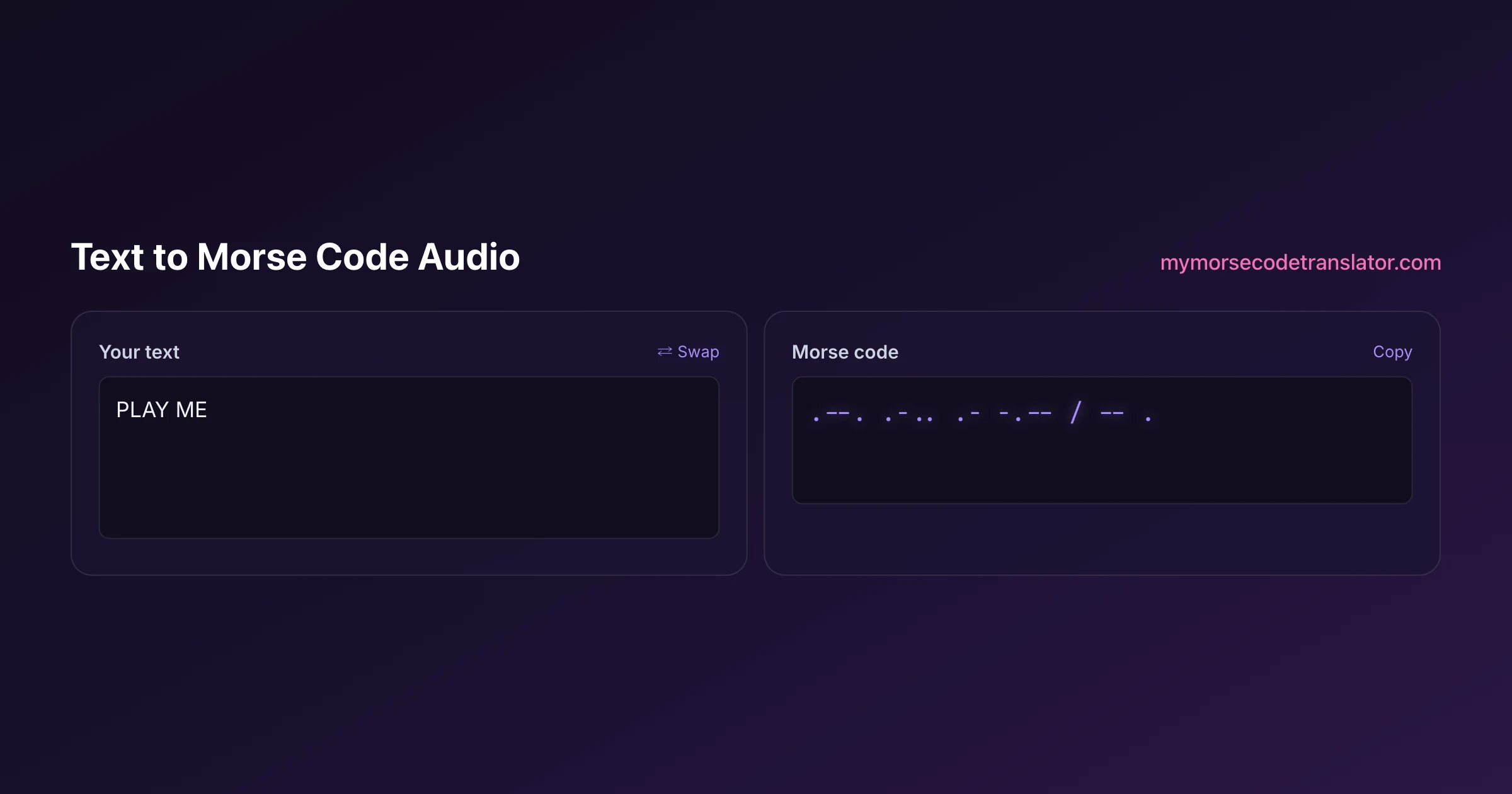
👀 Preview
Press ▶ Play — this shows what you'll see and hear.
Customize your message
Your picture appears in Play and downloaded videos. Note: it can't be included in a shared link — links carry the message only.
Share as a secret message
The message is hidden inside the link and decodes with sound & light when your friend opens it.
How the sound gets made
Under the hood, this doesn't play a library of pre-recorded clips stitched together. It uses the Web Audio API to synthesize a pure sine-wave tone in real time — the same clean, steady beep you'd hear from a code oscillator on a ham operator's desk.
That matters for two reasons. First, it's instant: there's no server round-trip, no rendering delay, no file to wait for. You type, you press play, you hear it. Second, it's honest Morse. Because the tone turns on for exactly one time-unit on a dot and three on a dash, with precise silences in between, what you hear is rhythmically correct rather than a rough approximation. Your browser is doing the beeping, so the timing is locked to the millisecond.
Speed and pitch you can actually adjust
Two controls change how the audio feels, and they do very different jobs.
Speed sets how fast the code is sent. In Morse this is measured in words per minute, and beginners usually want something slow — around five to eight WPM — so the ear has time to separate each element. As you improve, you'll want to push it faster, and there's a real reason to: experienced operators actually learn to hear whole letters as single sounds rather than counting individual dots, a training method called Farnsworth timing where the characters are quick but the gaps between them are stretched.
Pitch sets the tone's frequency in hertz. Most operators settle somewhere between 600 and 800 Hz because it's comfortable to listen to for a long time and cuts cleanly through background noise. If a tone feels shrill or muddy to you, nudge the pitch until it sits comfortably in your ear — there's no single correct value, only what your hearing likes.
Farnsworth timing, and why it works
If you're serious about learning by ear, there's one setting worth understanding deeply: the gap between characters versus the speed of the characters themselves.
The naive way to slow Morse down is to stretch everything — long dots, long dashes, long gaps. The problem is that it teaches your ear the wrong thing. You learn to count "one long beep, two long beeps," and when you later speed up, that counting habit collapses because there's no time to count. The Farnsworth method fixes this by keeping each character at full speed — so the letter R always sounds like the same quick di-dah-dit shape — but padding extra silence between characters to give your brain thinking time.
The result is that you learn the sound of each letter as one gestalt from day one, and "getting faster" just means shrinking the pauses, not re-learning the letters. It's the approach the ARRL and most modern code-training resources recommend, and it's why serious learners plateau far less often. When you set a slow speed here for practice, you're getting the padded-gap effect that makes the letters stick.
Why hearing Morse beats reading it
If you're trying to learn Morse, audio isn't a nice-to-have — it's the whole game.
Reading dots and dashes off a page teaches your eyes to translate symbols, but real Morse lives in sound and rhythm. The letter R isn't "dot dash dot" to a fluent operator; it's a little musical shape, di-dah-dit, recognized instantly the way you recognize a friend's voice. You can only build that recognition by listening. This is why nearly every serious learning method, from the ARRL's ham-radio training materials to the classic Koch method, insists you learn by ear from day one rather than memorizing a printed chart.
So type your name, listen ten times, and you'll start to hear it as a tune instead of a string of symbols. That's the moment Morse stops being a code you decode and starts being a language you hear.
Things people run the audio for
The obvious use is learning, but the beeps get pressed into service in some fun and practical ways.
People generate the audio for their name or a partner's name to use as a custom notification sound or ringtone, so their phone quietly announces who's texting in code only they can read. Teachers play messages aloud for classroom code-breaking games, letting a whole room race to transcribe a beeped word. Puzzle and escape-room designers record a message to hide as an audio clue. Musicians sample the tones — Morse rhythms have turned up in songs from Kraftwerk to Rush, and the audio here is clean enough to drop into a track. And of course, hobbyists just want to hear what "SOS" or "I love you" actually sounds like tapped out in code, which is a small delight the printed version can never give you.
Getting a file you can keep
Live playback is great for listening on the spot, but sometimes you want the sound as a file — a ringtone, a clip for a video, an audio puzzle you can email.
Because the audio is generated in your browser rather than stored anywhere, the cleanest way to capture it is to record the output while it plays, or to use our morse code video maker, which bakes the same synthesized tones into a downloadable MP4 alongside a flashing light. If you only need the sound, a quick screen-recording captures it perfectly. Either way, nothing you type is ever uploaded to a server — the whole conversion happens on your own device, which is exactly how I wanted a little privacy-respecting tool like this to behave.
What a dot and a dash actually sound like
People imagine Morse as "beep beep beeeep," and that's close, but the detail matters if you want to send or read it well.
A dot is a short tone — one time-unit long. A dash is the same pitch held for three time-units, so it's not a different note, just a longer one. The trap for beginners is that they listen for the sound and forget the silence. Between the dot and dash inside a single letter there's a one-unit gap of nothing. Between letters there's a three-unit silence, and between words a full seven-unit silence. Those silences are why "PARIS" doesn't smear into one long buzz.
This is where the classic teaching phrase comes from: the word "PARIS" is the standard length used to define words-per-minute speed, because when you add up all its dots, dashes, and gaps it comes to exactly 50 time-units. So "20 words per minute" really means "1000 time-units per minute." When you hear clean, well-spaced code, you're hearing an operator who respects the silence as much as the sound — and this tool spaces every gap precisely so your ear learns the right rhythm from the start.
Troubleshooting: no sound?
Because the audio is synthesized live, a couple of browser quirks can leave you staring at a silent play button. Here's the quick fix list.
- Check that your device isn't on silent or muted — the tone routes through your normal media volume, so a muted phone plays nothing.
- Some browsers block audio until you interact with the page. If the first press seems dead, tap play once more; that first tap "unlocks" the audio engine.
- On iPhones, the physical mute switch on the side of the phone silences web audio even when the volume is up. Flip it off.
- Bluetooth headphones sometimes lag on the very first beep as they wake up. Play a short message once to warm the connection, then replay.
If you've checked all of that and it's still silent, try a different browser — the Web Audio API is well supported everywhere modern, but a heavily locked-down work laptop can occasionally disable it. One more subtle cause: some browsers pause audio for tabs playing in the background, so if you switch away mid-message the sound can cut out. Keep the tab in focus while it plays, and if you're chaining several messages, let each one finish before you click away.
Choosing a pitch that is actually comfortable
Speed gets all the attention, but pitch changes the listening experience more than most people expect, and it is worth a moment's thought if you are going to hear a lot of Morse.
Most operators settle somewhere between 500 and 800 Hz. There is no rule about it — the choice is about your ears and your equipment, not the code.
A lower tone (around 500–600 Hz) is generally less fatiguing over a long session. If you plan to practise for half an hour at a stretch, a lower pitch is kinder.
A higher tone (700–900 Hz) cuts through background noise more effectively and can be easier to pick out on cheap speakers or in a noisy room, at the cost of becoming tiring faster.
Two practical notes. If you have any hearing loss in a particular frequency range — which is extremely common, especially in the higher frequencies — pick a pitch away from it; there is no virtue in struggling with a tone you happen to hear poorly. And if you are recording audio to share, avoid the very low end, because small phone speakers reproduce it badly and your carefully-made file will arrive as a faint thud.
The pitch control on this page is there precisely so you can experiment. Play the same message at 500, 650 and 800 and pick the one your ears prefer; it is a two-minute test that makes every subsequent session more pleasant.
I set the pitch to 700 Hz and looped my own name for a week as a phone notification tone. By day three I could recognize the shape of "SUKIE" before my brain finished reading the sender — proof that learning Morse by ear really does stick faster than staring at a chart.
Frequently Asked Questions
Q. What pitch should I use for morse code audio?
Most people settle between 500 and 800 Hz. Lower tones are less fatiguing over long practice sessions; higher tones cut through background noise better. If you have hearing loss in a particular range, choose a pitch away from it.
Q. Can I download the morse code audio as an MP3?
The tool plays the sound live rather than producing a file directly. To keep it, use our morse code video maker (which exports an MP4 with the tones baked in) or run a quick screen-recording while it plays. The audio itself is generated in your browser, so nothing is stored on a server to download.
Q. What speed should a beginner use?
Start slow — around five to eight words per minute. Your ear needs room to tell a short dot from a long dash. Once you can follow it comfortably, push the speed up. Many learners keep the characters fast but stretch the gaps between them, a training trick called Farnsworth timing.
Q. What's the best pitch for the tone?
Most operators like somewhere between 600 and 800 Hz because it's easy on the ears over a long session and cuts through background noise. There's no single right answer, though — nudge the pitch until the beep sits comfortably in your own hearing.
Q. Does it play numbers and punctuation?
Yes. The digits 0-9 and common punctuation like periods, commas, and question marks all have standard Morse codes and beep out correctly. Emoji and unusual symbols have no Morse equivalent, so they're skipped.
Q. Will this help me actually learn Morse?
It's one of the best ways to start, because real Morse is learned by ear. Reading dots on a page teaches your eyes; listening teaches you to recognize each letter as a sound-shape, which is how fluent operators actually read code. Type a letter, listen repeatedly, and it starts to feel like a little tune.
Q. Is the sound accurate to real Morse timing?
Yes. The tone holds for one unit on a dot and three on a dash, with the correct one-, three-, and seven-unit silences between elements, letters, and words. That follows the standard ITU timing ratios, so anyone who knows Morse can decode the beeps by ear.
Q. Does it use my microphone or upload my text?
No microphone, no upload. The tone is synthesized on your own device with the Web Audio API, and your typed message never leaves your browser. It's a deliberately private little tool.
Q. Why does fast Morse still sound clear?
Because speeding up stretches or shrinks the basic time-unit while keeping the 1:3 dot-to-dash ratio and the gap ratios locked. The relationships stay correct, so even quick code parses cleanly instead of blurring into one long buzz.
Related guides
← Back to the My Morse Code Translator home page.

By Sukie
Sukie is the creator of My Morse Code Translator — a puzzle nerd and gadget tinkerer who fell down the Morse code rabbit hole and decided to build the most fun Morse translator on the web. When she's not adding new sound packs or reveal animations, she's decoding hidden messages in songs or designing Morse code bracelets for friends.
Last updated: 2026-07-08