Binary to Morse Code: How to Convert 0s and 1s Into Dots and Dashes
Binary to Morse code is a two-hop trip, not a single jump: computers store letters as 8-bit bytes of 0s and 1s, and Morse stores those same letters as timed dots and dashes. To get from one to the other you first turn the binary back into readable text, then turn that text into Morse. Once you see those two hops clearly, the whole thing stops feeling like cryptography and starts feeling like a party trick you can pull off on a napkin.
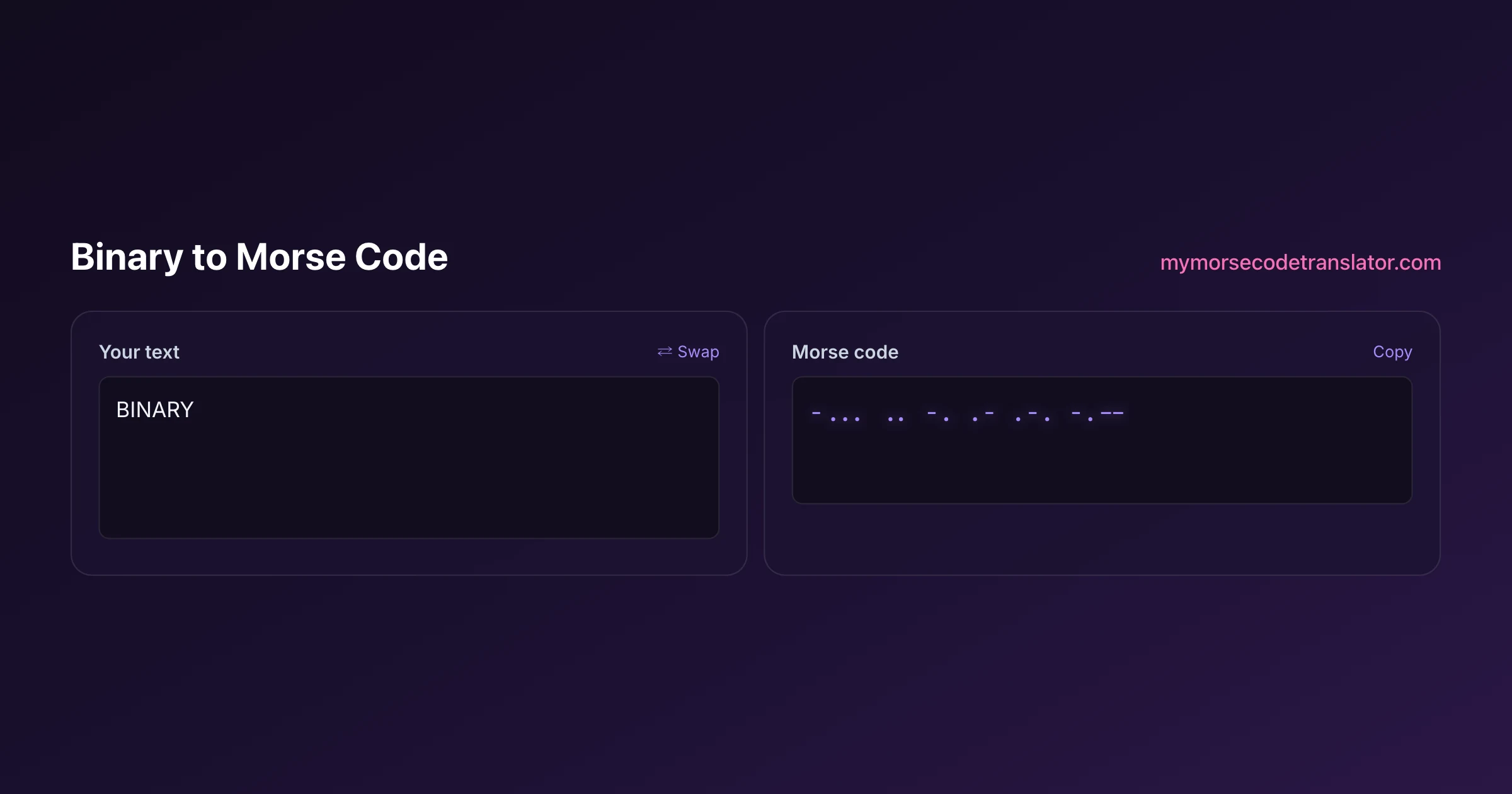
Why binary and Morse aren't the same thing (even though both look like code)
People lump binary and Morse together because both replace ordinary letters with a scary-looking pattern of two symbols. Binary uses 0 and 1; Morse uses the dot and the dash. But the resemblance is skin-deep, and mixing them up is the single most common reason a conversion comes out as gibberish.
Binary is a positional number system. Each 0 or 1 sits in a column worth a specific power of two, and a group of eight bits — one byte — encodes a single character through the ASCII or Unicode standard maintained by the Unicode Consortium. The capital letter A, for example, is the number 65, which in binary is 01000001. There is nothing about that pattern that a human is meant to read directly; it's a lookup value for a machine.
Morse, by contrast, was designed in the 1830s and 40s to be sent and heard by people over a telegraph wire. It isn't positional and it isn't tied to numbers. Each letter maps to a rhythm — A is dot-dash, and the timing between the marks carries as much meaning as the marks themselves. The modern reference for those rhythms is the ITU-R M.1677 international Morse standard, which fixes the exact dot-to-dash length ratios.
So binary answers the question "what number represents this character?" while Morse answers "what sound represents this character?" They meet only in the middle, at the plain-text letter they both describe.
The two-step bridge: binary to text, then text to Morse
Every reliable binary to Morse code conversion follows the same route. Skipping the middle step is where beginners trip.
- Step one: split the binary string into 8-bit chunks. Standard ASCII text is stored one byte per character, so 24 binary digits means three letters. If the number of digits isn't a clean multiple of eight, you've either dropped a bit or picked up a stray space.
- Step two: convert each byte to its decimal value, then look that number up in the ASCII table to recover the letter. 01001000 is 72, which is H.
- Step three: feed that recovered text into a Morse mapping. H becomes dot-dot-dot-dot.
- Step four: join the Morse letters with a single space between letters and a slash or a longer gap between words.
The reason this works is that both systems agree on the plain-text layer in the middle. Binary knows the letter as a number; Morse knows the same letter as a rhythm; the letter itself is the shared anchor. When you try to map 0s and 1s straight onto dots and dashes — treating 0 as a dot and 1 as a dash, say — you get nonsense, because an 8-bit byte has no relationship to the 1-to-4 symbol length of a Morse character.
A worked example: turning "Hi" into dots and dashes
Let's convert the word Hi from binary all the way to Morse by hand so the pipeline is concrete.
Start with the binary: 01001000 01101001. Two bytes, so two letters.
First byte, 01001000. Read the columns worth 128, 64, 32, 16, 8, 4, 2, 1. The 1s sit in the 64 and 8 columns, so 64 + 8 = 72. ASCII 72 is the capital letter H.
Second byte, 01101001. The 1s land in 64, 32, 8, and 1, giving 64 + 32 + 8 + 1 = 105. ASCII 105 is the lowercase letter i. Morse doesn't distinguish upper and lower case, so both H and i just become their letter rhythms.
Now the text-to-Morse hop. H is four dots: dot dot dot dot. I is two dots: dot dot. Put a letter gap between them and you get "···· ··" — Hi in Morse.
Notice what happened to the length. "Hi" was 16 binary digits, but only six Morse marks. That compression is a good sanity check: if your Morse output has roughly as many symbols as your binary had digits, something has gone wrong in the middle.
Where binary to Morse code conversions actually show up
This isn't only a classroom exercise. A few places it comes up in the wild:
- Puzzle hunts and escape rooms love layering codes. A clue printed as binary might decode to a word that is itself the key to a Morse-coded padlock sound. Chaining binary to Morse code is a favorite because it filters out casual guessers.
- Capture-the-flag and beginner cryptography challenges use it to teach that encoding is not the same as encryption — both binary and Morse are public, reversible mappings with no secret key.
- Hardware hobbyists blinking an LED from a microcontroller sometimes store a message as binary in code, then time the blinks as Morse so a human can read the light. The binary lives in memory; the Morse lives in the world.
- Tattoo and jewelry designers occasionally start from a birth date or initials expressed in binary, then translate to Morse because dots and dashes look cleaner on a wrist than a row of 0s and 1s.
In every case the value is the same: binary is how the machine holds the message, and Morse is how a person finally reads or hears it.
Common mistakes that turn a clean message into noise
Almost every failed conversion I've watched comes down to one of these:
- Wrong chunk size. Grouping bits in fives or sixes instead of eight. Standard text is eight bits per character; if you split it wrong, every letter shifts and the output is garbage.
- Treating bits as marks. Mapping 0 to dot and 1 to dash directly. As covered above, an 8-bit byte can't become a 1-to-4-mark Morse letter, so this never produces valid Morse.
- Losing leading zeros. Bytes like 00001010 start with zeros that carry real place value. Strip them and the number changes completely.
- Confusing spaces and word gaps. In Morse, the gap between letters and the gap between words are different lengths. A single space usually means "new letter"; a slash or triple space means "new word." Collapse them and "HI THERE" reads as one long nonsense string.
- Forgetting that Morse has no case and limited punctuation. Binary can encode every ASCII symbol, but classic Morse only covers letters, numbers, and a handful of punctuation marks. Fancy characters simply drop out.
A quick trick for decoding bytes in your head
Once you've split your binary into clean 8-bit bytes, the fastest way to resolve each one is to memorize the column values: 128, 64, 32, 16, 8, 4, 2, 1, running left to right. Wherever you see a 1, add that column's value; ignore every 0. That's it — no multiplication, just addition.
Two shortcuts speed this up even more. Printable text you'll actually convert lives mostly in a narrow band of the ASCII table. Capital letters run from A at 65 to Z at 90, and lowercase runs from a at 97 to z at 122. So a byte starting 010 is almost always an uppercase letter, and 011 is almost always lowercase. The last five bits then tell you the position in the alphabet: 01000001 is A because the tail 00001 means 'first letter,' and 01000010 is B because 00010 means 'second.'
That pattern turns decoding into a game. Spot the 010 or 011 prefix, read the tail as a small number, count that far into the alphabet, and you've got your letter — ready to hand off to the Morse step. After a dozen bytes it becomes automatic, and you'll start recognizing common letters like E (01000101) on sight.
By hand versus using the translator
Doing one short word by hand, like the Hi example, is genuinely good for your understanding — it forces you to see the middle text layer that the whole conversion depends on. I'd recommend everyone do it once.
For anything longer, a tool saves you from the two tedious, error-prone parts: the arithmetic of adding up powers of two for every byte, and the letter-by-letter Morse lookup. Our translator handles both hops at once. Paste in your binary, and it splits the bytes, resolves them to text through the standard ASCII mapping, and renders the Morse with correct letter and word spacing — then it'll play the result as audio or flash it as light so you can check the rhythm by ear.
The workflow I use most: decode a mystery binary string to text first to make sure it says something sensible, and only then convert that text to Morse. If the middle step reads as real words, the Morse will be right. If the middle step is gibberish, the binary was broken before Morse ever entered the picture — and no translator can rescue bad input.
Why people try to map dots to 0 and 1 directly
There is an intuition that trips up almost everyone who meets both codes: they look like the same idea. Two symbols, arranged in sequences, standing in for letters. Surely a dot is just a 0 and a dash is just a 1?
It does not work, and the reason is worth understanding because it explains the whole structure of Morse.
Binary is fixed-width. Every ASCII character is exactly eight bits, so a receiver can chop the stream into eight-bit blocks with no ambiguity and no separators. 01001000 01101001 is unmistakably two characters.
Morse is variable-width. E is one mark, Q is four. There is no fixed block size, so the code cannot be chopped mechanically — it needs the gaps to say where one character ends and the next begins. If you strip out the timing and write Morse as pure 0s and 1s, you destroy exactly the information that made it decodable.
So a dot-equals-0 mapping produces a string that looks convertible and is not. You would need a third symbol for the gaps, at which point it is no longer binary. This is the single most common misconception about the relationship between the two systems, and it is why the two-step route through text is not a workaround but the actual correct method.
The first time I chained these for a friend's escape room, I fed in 01001000 01101001 expecting 'HI' and got a jumble — turned out I'd pasted seven-bit chunks by accident. Re-splitting into clean 8-bit bytes fixed it instantly, and now the missing-bit check is the very first thing I do before touching the Morse step.
Frequently Asked Questions
Q. Can you convert binary directly to Morse code without going through text?
Not meaningfully. Binary encodes characters as 8-bit numbers, while Morse encodes the same characters as timed dot-and-dash rhythms. They only share the plain-text letter in the middle, so a correct conversion always decodes the binary to text first, then encodes that text as Morse.
Q. Does 0 become a dot and 1 become a dash?
No, and this is the classic trap. A single Morse letter is one to four marks long, but a byte is eight bits, so there's no clean one-to-one mapping. Mapping bits straight to marks produces invalid Morse. You must resolve the byte to a letter first.
Q. Why is my binary string not a multiple of 8 digits?
Standard ASCII text uses exactly eight bits per character. If your total isn't divisible by eight, you've likely dropped a bit, included a stray space, or copied the string incompletely. Recheck the source before converting.
Q. What is the binary for the letter A, and what's its Morse?
Capital A is ASCII 65, which is 01000001 in binary. In Morse, A is dot-dash. Notice the two encodings look nothing alike — that's expected, because one is a number and the other is a rhythm.
Q. Does Morse code care about uppercase versus lowercase?
No. Binary distinguishes them — capital H is 72, lowercase h is 104 — but Morse has a single rhythm per letter regardless of case. So both H and h convert to the same four dots.
Q. Can every binary message be turned into Morse?
Only the parts that map to letters, digits, and the small set of punctuation Morse supports. Binary can encode any character including emoji and control codes, but characters outside the classic Morse set have no dot-dash equivalent and get dropped or need a workaround.
Q. How do I keep word breaks when converting binary to Morse?
The space character (ASCII 32, binary 00100000) marks word breaks in text. When you convert to Morse, render that as a word gap — commonly a slash or a triple-length pause — rather than a normal letter gap, so the reader can tell words apart.
Q. Is binary-to-Morse encryption?
No. Both are open, reversible encodings with no secret key, defined by public standards like ASCII and the ITU-R M.1677 Morse specification. Anyone who recognizes them can reverse the process, which makes the combo great for puzzles but useless for real secrecy.
Related guides
← Back to the My Morse Code Translator home page.

By Sukie
Sukie is the creator of My Morse Code Translator — a puzzle nerd and gadget tinkerer who fell down the Morse code rabbit hole and decided to build the most fun Morse translator on the web. When she's not adding new sound packs or reveal animations, she's decoding hidden messages in songs or designing Morse code bracelets for friends.
Last updated: 2026-07-08