Morse Code to English Translator
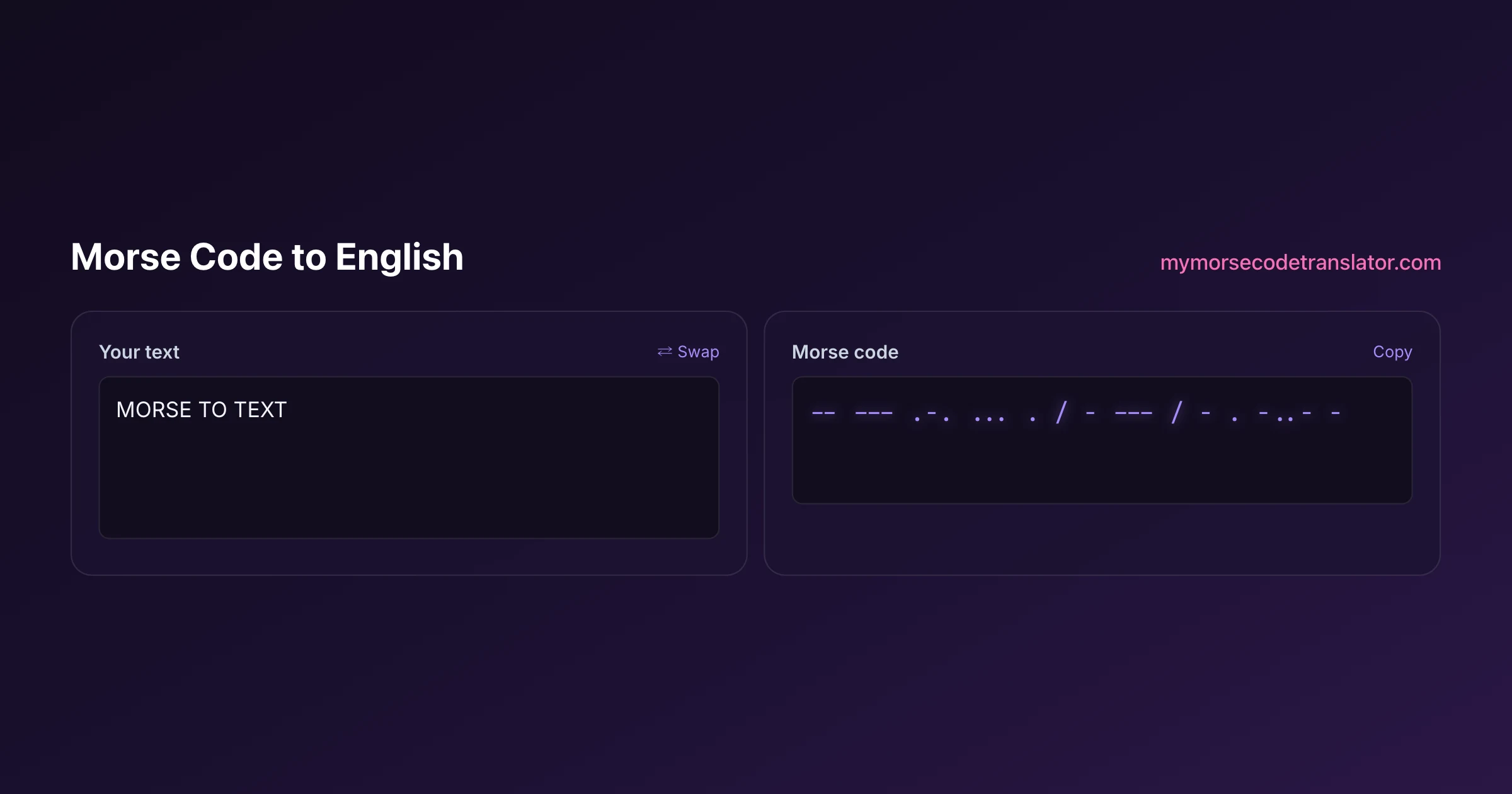
A morse code to english translator is a decoder: it takes a string of dots and dashes and gives you back the plain-English words hiding inside. Paste your signal into the box above and the readable version appears the moment you stop typing. It reads dots, dashes, letter spaces, and word separators, and it is forgiving about the little formatting differences that trip up most decoders, so a message you copied off a forum usually just works.
👀 Preview
Press ▶ Play — this shows what you'll see and hear.
Customize your message
Your picture appears in Play and downloaded videos. Note: it can't be included in a shared link — links carry the message only.
Share as a secret message
The message is hidden inside the link and decodes with sound & light when your friend opens it.
What counts as valid input
Decoding is really a spacing problem. The dots and dashes tell you which letter, but the gaps tell you where one letter ends and the next begins, and where one word ends and the next starts. That is why a decoder lives or dies on how well it reads spacing.
This translator accepts the formats you will actually run into in the wild:
- Dots as periods (.) and dashes as hyphens (-), the near-universal written form
- A single space between letters, the way most people write it out
- A forward slash (/) or a double space between words
- Common substitutes like the interpunct for a dot or an em dash for a dash, which it normalises before decoding
What it cannot guess is a message with no spacing at all. If someone hands you "...---..." with no gaps, that could be SOS or it could be a dozen other letter combinations, because Morse is not self-punctuating. When in doubt, ask the sender to add spaces between letters.
Reading the output and spotting errors
When the decode succeeds you get clean English, capitalised as plain uppercase because Morse carries no case information. If a group of dots and dashes matches no known letter, the translator shows a small marker rather than silently dropping it, so you know exactly where the message went sideways instead of getting a plausible-looking but wrong sentence.
Those markers are your debugging friend. A stray extra dot, a dash that should have been a dot, or a missing letter-space are the three most common ways a hand-sent message gets garbled, and they almost always produce a single unknown group surrounded by perfectly good text. Fix the spacing around that one group and the whole message usually snaps into focus.
Where the messy signals come from
Half the fun of a decoder is the detective work, because real Morse arrives messy. If you copied a signal by ear from a shortwave radio, your spacing reflects a human fist, and humans are inconsistent. If you pulled it from an old telegram, a puzzle, or a geocache, someone may have used a different convention for word gaps. If a friend sent it as a joke, they may have spaced it however felt natural.
The decoder is built to absorb that variety. It treats runs of extra whitespace as word breaks, tolerates a trailing slash, and ignores stray characters that clearly are not part of the code, like a leftover quotation mark. The goal is that you paste whatever you have and get a sensible answer, then clean up only the parts it flags.
Decoding by ear vs decoding by paste
There are two ways people end up with Morse to decode, and they need slightly different habits. If you already have the written dots and dashes, this text decoder is all you need. If you are hearing a live tone and trying to catch it, you are copying by ear, which is a genuine skill the American Radio Relay League (ARRL) has been teaching hams for over a century.
A good bridge trick: as you hear each letter, write the dots and dashes on paper rather than trying to name the letter in real time. Beginners who translate in their head fall behind and panic. Beginners who just scribble dots and dashes, then paste the lot into a decoder afterward, stay calm and get the whole message. Once your ear is faster, you graduate to hearing whole letters, but there is no shame in the paper-and-paste method while you learn.
A worked example, gap by gap
Nothing makes decoding click like watching it happen, so here is a short one done slowly. Suppose you paste this: .... . .-.. .-.. --- / .-- --- .-. .-.. -.. The decoder first splits on the word slash, giving it two words to work on. Inside the first word it splits on single spaces into five groups: .... then . then .-.. then .-.. then ---. It looks each up: .... is H, . is E, .-.. is L, .-.. is L again, --- is O. First word, HELLO.
The second word splits into .-- --- .-. .-.. -.., which resolve to W, O, R, L, D. Put the two words back together across that slash and you have HELLO WORLD. Notice what did the real work: not the dots and dashes on their own, but the spaces that told the decoder where each of those ten letters started and stopped, and the single slash that kept the two words apart. Remove the letter spaces and you would have one giant unrecognisable group. Remove the slash and you would get HELLOWORLD run together. The dots and dashes were never in doubt; the structure is what the spacing supplied.
Work through your own name the same way once, splitting on gaps before you look anything up, and decoding stops feeling like magic and starts feeling like the simple two-level split it actually is.
The reason this two-level split matters so much is that it is the whole reason Morse can be unambiguous at all. There is no marker that says 'letter ends here' inside the dots and dashes themselves, the way a comma or a space works in written English; the only boundary is the length of the silence. A three-unit gap says 'new letter', a seven-unit gap says 'new word', and everything hangs on the receiver being able to tell those two silences apart. When you paste a signal, you are handing the decoder a series of dots, dashes, and silences and asking it to rebuild that hierarchy. Get the silences right and the letters take care of themselves; get them wrong and even flawless dots and dashes collapse into nonsense. Understanding that is what separates people who can rescue a garbled message from people who give up on it.
Decoding under real-world noise
Textbook Morse is tidy. The Morse you actually decode, off a forum post, a friend's handwriting, a faint recording someone transcribed, arrives with rough edges, and a good decoder habit is to expect that rather than be surprised by it. The most common real-world messes are an extra trailing slash at the end of a message, doubled spaces sprinkled unevenly, a stray dot from a slip of the pen, and mixed dash characters where someone used a hyphen in one spot and an em dash in another.
This translator smooths most of that automatically: it normalises the different dot and dash characters, treats runs of extra space as word breaks, and ignores obvious junk like a leftover bracket. What it cannot do is read your sender's mind about intent, so when a decode comes out ninety percent right with one weird patch, the fastest fix is almost always yours to make: look at the gaps around the patch, decide whether a letter or a word break went missing, and add it. I have rescued dozens of 'broken' messages this way, and in nearly every case the sender's dots and dashes were fine and only their spacing had wandered. Treat the decoder as a fast first pass and yourself as the editor, and very little stays undecodable for long.
The standard behind the decode
This translator decodes against International Morse Code as defined in ITU-R Recommendation M.1677, the same table amateur operators and maritime services use worldwide, and the one thoroughly documented on Wikipedia's Morse code page. That matters for a decoder specifically, because there is more than one Morse. The older American (or "railroad") Morse used different patterns for several letters and even internal spaces inside characters, so a decoder built for international Morse will happily mistranslate a genuine 1860s landline telegram.
For virtually everything you will encounter today, international Morse is the right assumption. If you know you are dealing with historical American Morse, say from a museum artifact, you will want a specialist reference instead, because the letters C, F, L, O, P, Q, R, X, Y, Z and several numbers simply do not match.
I once spent twenty minutes convinced a friend's puzzle was broken because it decoded to nonsense. It turned out he'd used single spaces for word breaks and no gaps for letters — the exact opposite of the convention. Adding one slash per word and it read 'MEET AT THE OAK' in half a second. Now spacing is the first thing I check, not the last.
Frequently Asked Questions
Q. Why does my morse code to english translator show an unknown symbol in the middle?
That marker means one group of dots and dashes matched no valid letter. Usually the spacing around it is off, or a single dot or dash was added or dropped. Check that group carefully and adjust the gaps, and the rest of the message is almost always fine.
Q. Can it decode Morse with no spaces between letters?
Not reliably, and neither can anyone. Without letter gaps, a string like ...---... has many valid readings. Morse is not self-punctuating, so spacing is essential. Ask the sender to separate letters with a space and words with a slash.
Q. Does it matter if I use hyphens or em dashes for dashes?
No. The translator normalises common substitutes, so hyphens, em dashes, and even the underscore all read as dashes. Likewise periods, interpuncts, and asterisks read as dots. It cleans the input before decoding.
Q. How are words separated in the input?
Use a forward slash (/) or a double space between words. A single space separates letters within a word. Getting this right is the difference between decoding two words correctly and running them into one nonsense string.
Q. Why is the decoded text all uppercase?
Morse code stores no case information, so a decoder cannot know whether you meant a capital or lowercase letter. Uppercase is the conventional way to display decoded Morse. You are free to retype it in whatever case you need afterward.
Q. Can it handle numbers and punctuation?
Yes. Five-symbol digit codes and the common punctuation marks, including the full stop, comma, and question mark, are all in the table. A message like ..--.. decodes to a question mark rather than being flagged as unknown.
Q. Is my message uploaded to decode it?
No. The decoding happens entirely in your browser with JavaScript. Nothing is sent to a server, so private messages, puzzle answers, and geocache clues stay on your device.
Q. It decoded to gibberish. What went wrong?
Almost always a spacing problem. If letters have no gaps, or word slashes are missing, valid dots and dashes decode into the wrong letters. Add single spaces between letters and slashes between words, then try again. If it is a very old telegram, it may be American Morse, which this tool does not decode.
Q. Can I go the other way and turn English into Morse?
Yes, the english to morse code translator does the reverse. A common workflow is to encode a message there, then paste the result here to confirm it decodes back to exactly what you intended before you send it.
Q. Does it work with audio or images of Morse?
This page decodes written dots and dashes. For sound, use the morse code audio translator, and for a picture of a signal, use the morse code image translator. Each converts its format into dots and dashes that this decoder logic then reads.
Related guides
← Back to the My Morse Code Translator home page.

By Sukie
Sukie is the creator of My Morse Code Translator — a puzzle nerd and gadget tinkerer who fell down the Morse code rabbit hole and decided to build the most fun Morse translator on the web. When she's not adding new sound packs or reveal animations, she's decoding hidden messages in songs or designing Morse code bracelets for friends.
Last updated: 2026-07-08