Morse Code Light Translator
A morse code light translator turns typed text into flashes rather than beeps, which is how Morse was often actually used — ship to ship, hilltop to hilltop, across a room where sound would carry too far. The tool on this page does it two ways: it can flash your entire screen, and on phones that allow it, drive the camera torch. Below is how to use it, what speed actually works for a human eye, and the safety point that genuinely matters before you start flashing anything at anyone.
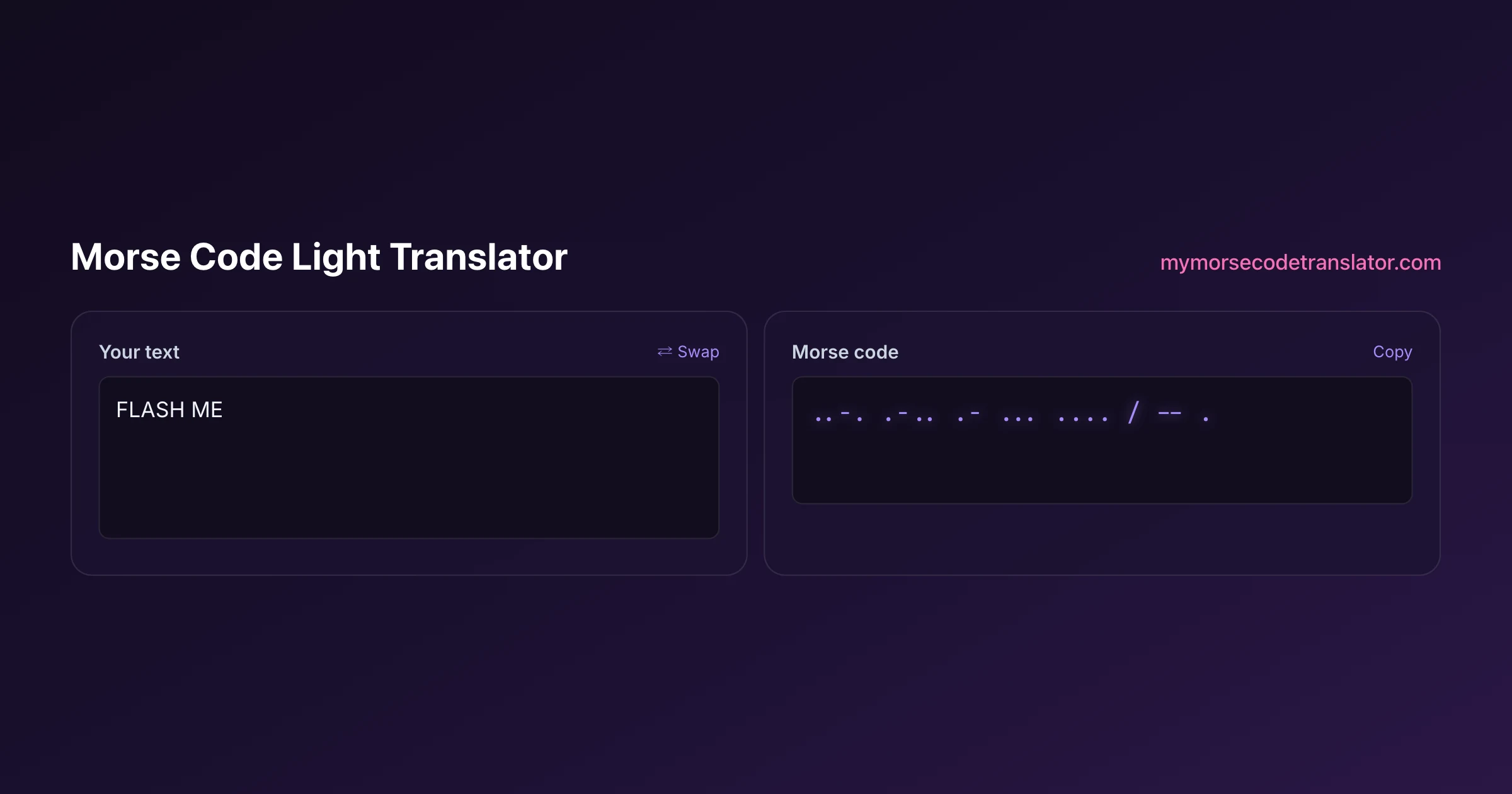
👀 Preview
Press ▶ Play — this shows what you'll see and hear.
Customize your message
Your picture appears in Play and downloaded videos. Note: it can't be included in a shared link — links carry the message only.
Share as a secret message
The message is hidden inside the link and decodes with sound & light when your friend opens it.
Flashing a message in three steps
Type your text into the translator, switch on the light option, and press Play. That is the whole workflow — but a few choices change the result considerably.
Speed. This is the one that matters most. The default suits audio; for light you almost always want it slower. More on that below.
Screen or torch. The screen flash works on every device and is bright enough indoors. The torch is far brighter and works outdoors and at distance, and the tool will drive it where the browser permits.
Words on or off. You can have the message reveal on screen alongside the flashing, either karaoke-style with the current letter highlighted or spotlight-style showing one word at a time. Useful when you are demonstrating, unhelpful when the point is that the recipient has to decode it.
The flash follows exactly the same timing the audio would: a dash lasts three times a dot, and the gaps between letters and words are held open. That consistency is what makes it decodable rather than just decorative.
Choosing a speed the eye can actually read
Here is the thing most light-signalling tools get wrong: the eye is considerably worse than the ear at resolving short gaps. A message at 15 or 20 words per minute is perfectly comfortable to copy by ear and is close to a strobe when rendered as light.
In practice:
- 5 to 8 WPM is the sweet spot for someone reading flashes live.
- Below 5 is easier still and worth it at distance or in poor conditions.
- Above 10 becomes flicker rather than signal for most people.
I tested this by rendering the same message as sound and as screen flashes and asking people to read each. Everyone copied the audio at 15 WPM; nobody managed the light. At 7 WPM most of them got it. If the person on the other end is going to write down what they see, slow it down further than feels necessary — you will not regret it, and they will not have to ask you to repeat.
The exception is when the flashing is for effect rather than communication — a video, a party trick, a reveal. Then speed is an aesthetic choice and legibility does not matter.
Screen flash versus phone torch
The two modes suit different situations.
Screen flash turns the whole display into the signal. It works on every device and every browser, needs no permissions, and is bright enough for a dark room, a video call, or a recording. It is the reliable option.
Camera torch is dramatically brighter and is what you want outdoors, across a distance, or through a window. Browser access to the torch is a relatively recent capability and support varies by device and browser — it works on many Android phones and on newer iOS versions, and where it is unavailable the tool falls back to flashing the screen so the feature still does something useful rather than failing silently.
A practical note if you are signalling any real distance: the torch is a wide flood, not a beam. It is visible but not directional. If you need to reach someone far away, an actual torch with a reflector aimed by hand will outperform a phone by a wide margin — the phone is for convenience, not for range.
The safety point, which is not boilerplate
Rapidly flashing light can trigger seizures in people with photosensitive epilepsy. This is not a hypothetical risk and it is the reason the tool asks you to confirm before any flashing begins.
The accessibility guidance in WCAG sets a general threshold of three flashes per second for web content. Morse at higher speeds can exceed that during runs of consecutive dots — the letter H is four dots in a row, and at 20 words per minute those arrive fast enough to be a genuine strobe.
Two things follow. First, lowering the speed lowers the flash rate, which is a happy coincidence given that lower speeds are also more readable. Second, do not flash at people who have not agreed to it, particularly in a dark room, at a party, or in a video you are about to post. The polite and correct move is to say what you are about to do first.
If you want the drama without the risk, use the word-reveal modes with the flashing off, or send the message as a link so the recipient chooses when and whether to trigger it.
Reading light back into text
Sending is easy; receiving takes a little discipline.
If someone is flashing at you, do not try to identify letters as they arrive. Write down marks — a dot for the short flashes, a dash for the long, a gap where the light stays off for a beat, a bigger gap for a longer pause. Transcribe the whole thing, then decode it afterwards. Attempting to decode live is how people lose the thread three letters in and have to start over.
Once you have the marks, paste them into the decoder here and it will return the text. If the output is nonsense, the problem is nearly always the gaps rather than the marks: a run of four dots means H if the gaps are short and E E E E if they are long, and only the spacing distinguishes them.
If you can film the flashing instead, do that. You can replay it, slow it down, and count frames — which is far more reliable than trying to keep up in real time.
How light signalling was actually done
Flashing Morse is not a novelty invented for phones — it was a serious operational method for well over a century, and the equipment tells you a lot about what the problem really is.
The Aldis lamp is the classic: a handheld signalling lamp with a mirrored reflector and a trigger-operated shutter, used extensively between ships. The operator aimed it at the receiving vessel and worked the shutter to make dots and dashes. Two features matter — it was directional, so the beam reached a specific ship rather than lighting up the horizon, and it was shuttered, so the lamp stayed lit while only the emitted beam was interrupted, which is far faster than switching a lamp on and off.
The heliograph did the same job with sunlight, using a mirror and a shutter to flash reflected sun across remarkable distances — tens of miles in clear desert conditions. It needed no power at all, which made it invaluable in places where power did not exist.
Ships also used light signalling because it is quiet and directional in a way radio is not. A signal lamp aimed at one vessel is not broadcast to everyone listening on a frequency, which mattered a great deal in wartime and still matters when radio silence is required.
The practical lesson for anyone flashing from a phone: those systems worked because the light was focused and the operator controlled the shutter precisely. A phone torch is neither focused nor especially fast, which is why slow speeds and short distances are where it performs.
What people actually use this for
Very few people are signalling ships. The real uses are more domestic and more fun.
Sending a message across a room or between windows is the classic, and it works well because the screen is bright and the distance is short. Kids and scout groups use it for signalling badges and games. Escape rooms and puzzle nights use it as a delivery mechanism for a clue, where the flashing itself is the atmosphere. Video creators use it as a visual effect with the message as a hidden layer for anyone who bothers to decode it.
And a decent number of people use it exactly once, to flash a phrase at somebody they like, which is arguably the most honest use of the entire technology. If that is what you are here for, slow it right down, tell them it is coming, and consider sending the link version too so they can replay it after.
Flashing the same message at 15 WPM and 7 WPM to four people across a dark garden: at 15 nobody got a single word, at 7 three of them transcribed it correctly. The eye needs roughly double the gap the ear does, and no amount of brightness compensates for going too fast.
Frequently Asked Questions
Q. How do I flash morse code with my phone?
Type your message into the translator, switch on the light option, and press Play. Where the browser allows it the camera torch will flash; otherwise the whole screen flashes instead, which works on every device.
Q. What speed should I use for light instead of sound?
Much slower — around 5 to 8 words per minute. The eye resolves short gaps far worse than the ear, so a speed that is comfortable to hear becomes an unreadable flicker when rendered as light.
Q. Does the phone torch work on iPhone?
On newer iOS versions the browser can drive the torch, and the tool uses it when available. Where it is not permitted the whole screen flashes instead, so the feature still works on every device — just less brightly.
Q. Is flashing morse code safe?
Rapid flashing can trigger seizures in people with photosensitive epilepsy, which is why the tool asks you to opt in before it starts. Lower speeds mean fewer flashes per second, and you should never flash at people who have not agreed to it.
Q. How far can a phone torch signal be seen?
It is visible at a useful distance in darkness but it is a wide flood rather than a focused beam, so it does not carry like a directional torch. For any real distance, a handheld torch with a reflector will outperform a phone considerably.
Q. Can I show the words while it flashes?
Yes. The reveal options display the message alongside the flashing — karaoke style, with the current letter lighting up, or spotlight style showing one word at a time. Turn it off if the recipient is supposed to decode it themselves.
Q. How do I read a flashing message someone sends me?
Write down marks rather than letters — dots for short flashes, dashes for long, gaps where the light pauses — then decode the transcription afterwards. Filming it is better still, since you can replay and slow it down.
Q. Can I save the flashing as a video?
Yes. The download options include a vertical video with the flashing and audio baked in, sized for phone screens, so you can share it rather than performing it live.
Related guides
← Back to the My Morse Code Translator home page.

By Sukie
Sukie is the creator of My Morse Code Translator — a puzzle nerd and gadget tinkerer who fell down the Morse code rabbit hole and decided to build the most fun Morse translator on the web. When she's not adding new sound packs or reveal animations, she's decoding hidden messages in songs or designing Morse code bracelets for friends.
Last updated: 2026-09-17