Morse Code Translator Software: Do You Actually Need to Download It?
Morse code translator software used to mean a program you hunted down, downloaded, installed, and then hoped still ran after your next operating-system update. So it is worth asking a blunt question before you go looking for a .exe or a .dmg: in 2026, do you actually need to install anything at all? For most people the honest answer is no, and this page walks through why a browser tool now does everything the old downloads did, and a few things they never could.
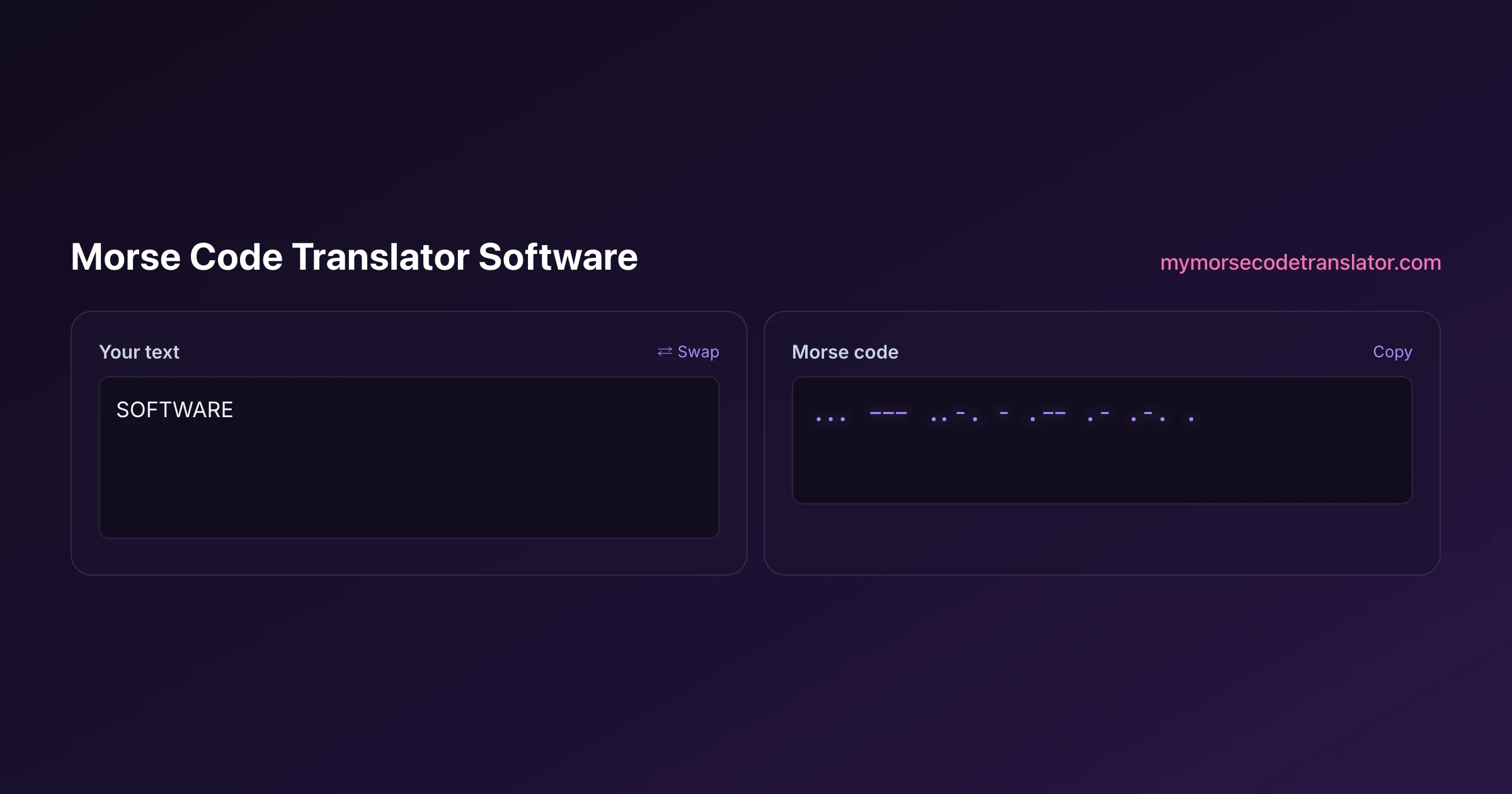
👀 Preview
Press ▶ Play — this shows what you'll see and hear.
Customize your message
Your picture appears in Play and downloaded videos. Note: it can't be included in a shared link — links carry the message only.
Share as a secret message
The message is hidden inside the link and decodes with sound & light when your friend opens it.
The question behind the search
When someone types "morse code translator software" into a search box, they are usually picturing a specific thing: an application icon on their desktop, something they run offline, something that feels more "serious" than a random webpage. That instinct made total sense fifteen years ago. Back then, a webpage could barely make a sound, let alone generate precisely timed tones or export an audio file, so anything genuinely useful had to be a native program you installed.
That world is gone, and it is worth saying so plainly. The gap between "a website" and "an installed program" has almost completely closed for a task like translating Morse. Modern browsers can synthesise audio sample-by-sample, record from your microphone, render video, read image files, and store your settings locally, all without a single download. So the real question is not "which software should I install" but "what do I actually need this tool to do, and does a browser already do it?" Nine times out of ten, it does.
A short history of Morse software
Morse code has been software-friendly for far longer than the web has existed. In the 1980s and 90s, ham radio operators ran DOS and early Windows programs that keyed Morse through a serial port, decoded incoming signals, and drilled them on receiving speed. Names that old-timers still recall — code-practice programs bundled on floppy disks, contest loggers that sent CW automatically — were genuinely useful, and some are still maintained today for dedicated radio work.
Those programs earned their place because they did things the hardware of the day could not do casually: generate a clean sidetone, hook into a physical radio, and decode a live signal. If you wanted your computer to make correctly timed dots and dashes, installing software was the only path. As Wikipedia's history of Morse code telegraphy notes, the code itself has been rigidly standardised since the 19th century, which is exactly what made it so easy to automate: a dot is a dot, a dash is three dots, and the gaps are fixed ratios. A machine loves rules that clean. That standardisation is why Morse software existed decades before most other "translator" apps, and why moving it into a browser was ultimately straightforward.
What desktop programs were good at, and where they hurt
Give the old downloads their due. A native Morse program could talk directly to a radio's keying line, run entirely offline forever, and squeeze every drop of performance out of slow hardware. For a ham operator keying a real transmitter in a contest, that direct hardware access still matters, and no webpage can fully replace it.
But the costs were real, and anyone who lived through them remembers:
- You had to find a trustworthy download, which by itself is a small security gamble every time.
- It was locked to one operating system; a Windows program did nothing for your friend on a Mac, and neither helped anyone on a phone.
- It went stale. The program written for Windows XP often simply refused to run a decade later, and the author had long since moved on.
- Installing meant admin rights, antivirus warnings, and disk space, which is a lot of friction just to hear a message beeped out.
So the trade was clear: you got offline power and hardware access, but you paid in compatibility, security anxiety, and maintenance. For a radio hobbyist that trade was worth it. For someone who just wants to turn "I love you" into beeps, it never was.
How a browser tool quietly caught up
Here is the part that surprises people. The features that once justified a download now run inside a tab, and in several cases the browser version does more than the old programs ever did.
On this site, everything the classic software promised happens with nothing installed. The Web Audio API generates the tones with correct dot-dash-gap timing, so it truly sounds like Morse and not a stuttering alarm. There are six distinct sound packs — a clean CW radio tone, a clacking telegraph sounder, a sci-fi blip, a chiptune 8-bit voice, a soft music box, and a submarine sonar ping — plus sliders for speed, pitch, and volume, and Farnsworth timing for learners. You can even record your own sound and use it as the beep, which is something I have never seen a downloadable Morse program offer.
Export used to be the killer feature that forced an install; now it is a menu. You can download your message as an MP3 or a WAV, or render a vertical MP4 video with your chosen sound, light, and reveal baked in — ready to drop straight onto TikTok, Reels, or Shorts. Going the other direction, you can decode Morse from an image, and translate across multiple alphabets, not just A to Z. None of that needs admin rights, an antivirus exception, or a spare gigabyte of disk. It needs a browser you already have open.
When a native install still makes sense
I am not going to pretend the browser wins every case, because that would be dishonest and you would catch me out the moment you tried the exceptions.
If you are keying a real ham radio transmitter, decoding weak signals off the air in a contest, or want a tool that provably runs with the network cable unplugged for years, dedicated desktop software still has an edge. Direct hardware keying through a serial or USB interface is genuinely outside what a webpage can do, and serious CW operators rightly keep their trusted native loggers. The ARRL community around amateur radio keeps that ecosystem alive for good reasons.
But notice how narrow that list is. It is radio hardware, extreme offline guarantees, and competitive contesting. If your goal is to learn the code, send a friend a flashing secret message, make a Morse video, hear your name in dots and dashes, or decode a signal someone screenshotted for you, none of those exceptions apply. You are firmly in browser territory, and installing a program would only add friction without adding a single capability you would actually use.
Free, nothing to install, nothing to update
The quiet advantage of doing this in a browser is not just convenience; it is that the whole thing runs locally on your device once the page loads. Your text is translated and your audio is generated right there in the tab. Nothing about your message is uploaded to be processed on a server, which means there is no account, no license key, and nothing sitting in a database waiting to leak.
That also solves the maintenance problem that killed so much old software. There is no version to fall behind, no installer to re-download, no "this app is from an unidentified developer" warning to click through. When the tool improves, the improvement is simply there the next time you open the page. It works the same on Windows, Mac, Linux, Android, and iPhone, because the browser is the runtime. For a task as small and delightful as translating Morse, that is exactly the right shape: free, instant, cross-platform, private, and impossible to leave un-updated. The download era gave Morse software a great run, and for radio work it earned every install. It just is not the era the rest of us are in anymore, and letting go of the install habit is genuinely freeing once you try it.
I dug an old Windows CW practice program out of a 2009 backup to compare, and it flat-out refused to launch on my current machine without a compatibility shim. Meanwhile the browser version I built opened the same instant on my phone. That side-by-side is what convinced me the download model was solving a problem most people no longer have.
Frequently Asked Questions
Q. Is there morse code translator software I have to download?
For almost everything, no. A modern browser can generate correctly timed tones, export audio and video, record your microphone, and decode images, so a web tool covers what old downloads did. The main exception is keying a physical ham radio, where dedicated desktop programs still have an edge.
Q. Does a browser tool work offline like installed software?
Once the page has loaded, the translation and audio generation run locally in your browser, so brief connection drops will not stop you mid-session. It is not identical to a program that runs for years with the network unplugged, but for everyday practice on a commute it behaves offline enough that you will not notice.
Q. Can the web version export MP3, WAV, or video files?
Yes. You can download your message as an MP3 or WAV audio file, or render a vertical MP4 video with your chosen sound pack, screen flash, and word reveal baked in. Export used to be the feature that forced people to install a program; now it is just a menu option.
Q. Is the free web tool as capable as paid desktop software?
For translating, playing, learning, exporting, and sharing Morse, it is fully capable and free, and it adds tricks old programs lacked, like recording your own beep and generating share links. Paid desktop apps mostly justify their price through radio hardware integration, which is a niche most users never touch.
Q. Why did Morse code translation used to require installed software?
Early web pages could not make precise sound, record audio, or export files, so anything genuinely useful had to be a native program with direct access to your machine. Browsers gained those abilities over the last decade, which is why the install requirement quietly disappeared for this kind of tool.
Q. Is a downloaded Morse program safer than a website?
Usually the opposite. Every download is a small trust decision, since you are running an unknown executable with access to your system. A browser tool runs sandboxed inside the tab, and because the translation happens locally without uploading your text, there is no account or server-side copy of your message to worry about.
Q. Does the web tool run on Windows, Mac, and phones?
Yes, all of them, because the browser is doing the work. The same page runs on Windows, macOS, Linux, Android, and iPhone with no separate version to install. That cross-platform reach is one of the biggest advantages over old software that was locked to a single operating system.
Q. When should I still choose native desktop software?
Choose native software if you are keying a real radio transmitter, decoding live off-air signals in a contest, or you need an absolute guarantee that the tool runs offline for years. Those cases need direct hardware access a webpage cannot provide. For everything else, the browser tool is the simpler and more capable choice.
Related guides
← Back to the My Morse Code Translator home page.

By Sukie
Sukie is the creator of My Morse Code Translator — a puzzle nerd and gadget tinkerer who fell down the Morse code rabbit hole and decided to build the most fun Morse translator on the web. When she's not adding new sound packs or reveal animations, she's decoding hidden messages in songs or designing Morse code bracelets for friends.
Last updated: 2026-08-14