What Makes a Great Morse Code Translator Website
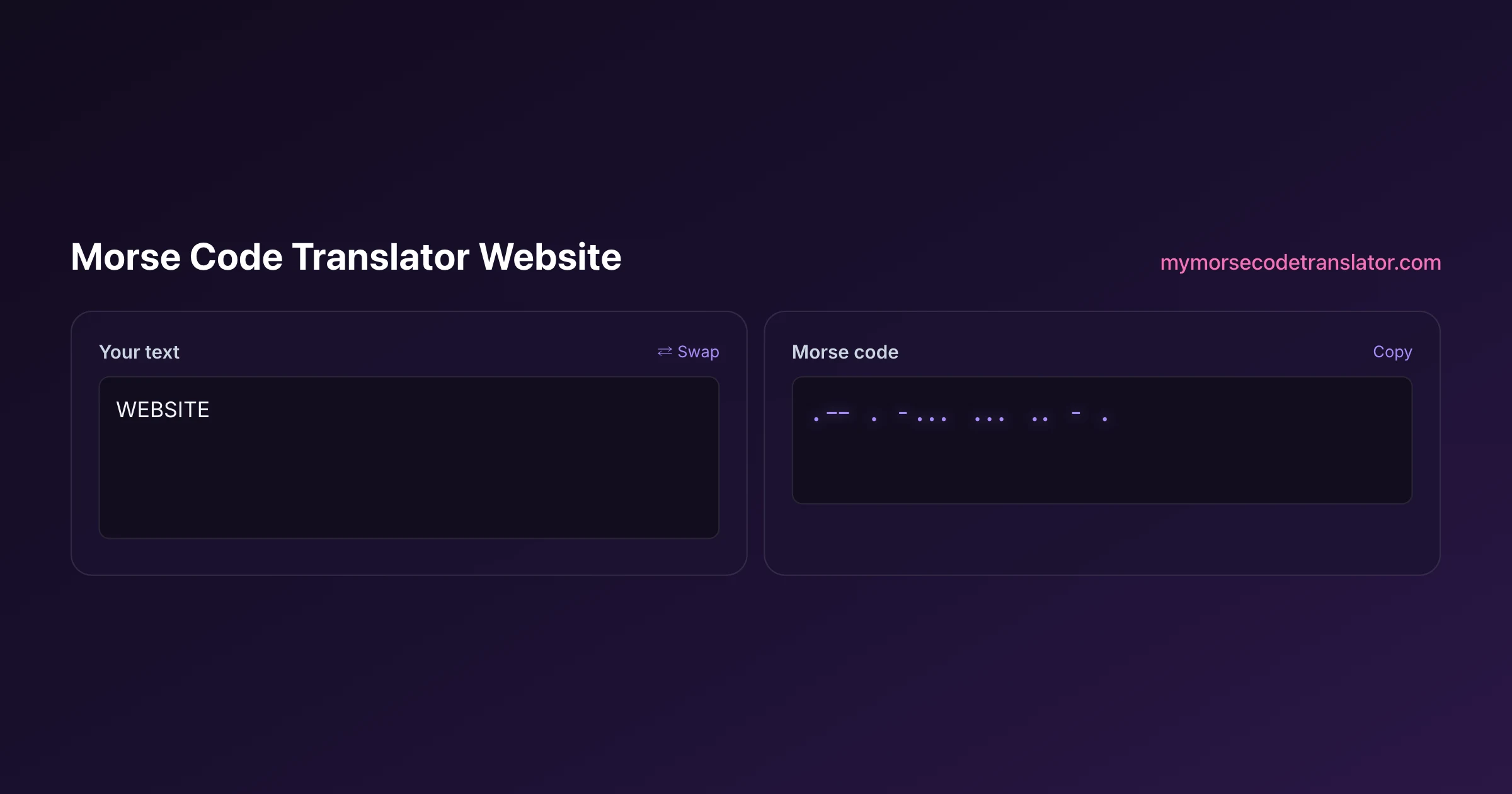
Morse code translator website is a search that returns hundreds of pages, and nearly all do the same bare-minimum thing: paste text in, get dots and dashes out. That baseline is easy. What almost none of them do is make the experience actually good: correct-sounding audio, light as well as sound, a way to read along, and something worth sharing at the end. This page is a field guide to the features a great one should have, drawn from what I built into this site.
👀 Preview
Press ▶ Play — this shows what you'll see and hear.
Customize your message
Your picture appears in Play and downloaded videos. Note: it can't be included in a shared link — links carry the message only.
Share as a secret message
The message is hidden inside the link and decodes with sound & light when your friend opens it.
The line between a toy and a real tool
Most Morse websites are what I affectionately call "lookup toys." You paste text, a box fills with dots and dashes, and that is the entire experience. It works, and for a one-off it is fine. But it treats Morse as a static cipher on a page rather than what it actually is: a living thing made of sound, rhythm, and light.
A great translator website closes that gap. It should let you hear the message the way an operator would, see it if you cannot listen, read along while it plays so the code teaches itself, and walk away with a file or a link you can actually use. If a site does the text conversion and stops there, it has done the easy 10 percent and skipped the part that makes Morse fun. Everything below is the other 90 percent, and it is the checklist I would run any Morse site against before calling it good.
Sound that genuinely sounds like Morse
Audio is where most sites either shine or expose themselves, because faking it is obvious the moment you press play. Correct Morse has strict timing: a dash lasts three times a dot, the gap inside a letter is one unit, between letters three units, between words seven. Get those ratios wrong and it stops sounding like Morse and starts sounding like a faulty microwave.
A strong site nails the timing and then gives you room to make it yours:
- Multiple sound characters, not one generic beep. This tool ships six sound packs — a clean CW radio tone, an old telegraph sounder, a sci-fi blip, a chiptune 8-bit voice, a gentle music box, and a submarine sonar ping — so the same message can feel like a warship, an arcade, or a lullaby.
- Adjustable speed, pitch, and volume, so you can slow it to a crawl for learning or find a tone your ear locks onto.
- Farnsworth timing, which keeps each letter played at full speed while stretching the gaps between them. It is the fastest known way to actually learn to hear code, rather than to count symbols.
When a site offers all of that, the audio stops being a novelty and becomes something you would genuinely practise with.
The feature almost no site has: record your own beep
Here is the one I am proudest of, because I have looked and I cannot find another Morse translator website that does it. You can record your own sound with your microphone and use that as the Morse beep. Your voice saying "boop." Your dog's single bark. A note off a guitar. The tool plays your recording for every dot and dash, timed correctly.
It sounds like a gimmick until you use it, and then it is weirdly delightful. A birthday message beeped out in the recipient's own catchphrase hits differently from a generic tone. A class can each record a sound and hear their name in it. It is the kind of small, human touch that separates a website someone built because they love the thing from a website someone generated to catch search traffic. If you are judging Morse sites, personal-sound recording is a strong signal you have found one made by an actual enthusiast.
Light, because sound is not always an option
Morse has always travelled as light as much as sound: signal lamps between ships, blinked messages, flashlights across a campground. A translator website that only beeps is useless to someone in a silent library or a loud room, so a great one carries the message visually too.
This tool flashes the whole screen in time with the code, so your phone or laptop becomes a signal lamp. Because rapid flashing is a genuine health concern for people with photosensitive epilepsy, the full-screen flash is strictly opt-in rather than something that ambushes you, which I consider non-negotiable for any site that flashes light. And if a bare flashing screen is too plain, you can upload a photo and have your message flash over that image instead, turning a picture into the carrier of a hidden signal. Light and sound together also mean the code adapts to wherever the viewer happens to be, and quietly teaches, since watching the flash while hearing the beep links the visual and audible shape of each letter without any effort.
Reading along: karaoke and spotlight reveal
One reason Morse feels impenetrable to beginners is that the playback and the meaning are disconnected. You hear a stream of beeps, you see a wall of dots, and nothing ties the two together in the moment. Good translator websites fix this with synchronised reveal.
This tool offers a karaoke-style reveal, where each character or word lights up exactly as its code plays, and a spotlight mode that keeps the current word front and centre while the rest recedes. Suddenly the abstract stream has a bouncing ball following it. You are not just hearing "di-dah-dit," you are watching the letter it belongs to glow at the same instant, which is precisely the pairing that builds real recognition. For a learner this is the difference between passively listening and actively following, and for a sender it makes the reveal feel like a little performance rather than a data dump.
Something to take away: video, audio, and secret links
A translator website should not be a dead end. After you have crafted a message with your chosen sound, light, and reveal, a great site lets you leave with it, in whatever form fits where it is going.
- Vertical MP4 export, sized for TikTok, Reels, and Shorts, with your exact customisation baked into the frames and a small watermark. You design the Morse once and hand social media a ready-to-post clip.
- MP3 and WAV downloads for when you just need the audio, whether for a ringtone, a video edit, or a puzzle you are assembling elsewhere.
- A secret-message share link that replays your exact settings on the other end. When the recipient opens it, they get the same sound pack, the same reveal, and the same full-screen flash you set, and crucially the message rides inside the link's fragment rather than on any server. Nothing about it is stored or transmitted to me, which is about as private as a shared message gets.
Those exits turn a translation into a gift, a post, or a puzzle. A site without any of them makes you do the fun part and then throws it away.
Decoding and alphabets, not just encoding
Translation runs both directions, and a website that only goes text-to-Morse is doing half the job. A complete one also decodes, and handles more than plain English.
This tool can decode Morse from an image, which is genuinely handy, since so much Morse arrives as a screenshot, a photo of a bracelet, or a picture of a tattoo rather than as tidy typed dots and dashes. It also translates across multiple alphabets rather than assuming everyone is working in A to Z, which matters the moment you step outside English. Underneath all of it sits the international standard, ITU-R M.1677, which defines the official timing and character set that keeps Morse consistent worldwide, and a serious translator site should follow that standard rather than inventing its own spacing. Decoding plus multi-alphabet support is what turns a one-way novelty into a tool you can actually rely on when a real message shows up in an unexpected form.
The great Morse website checklist
If you want to judge any Morse translator website in about thirty seconds, this is the list I would use. A great one should:
- Play audio with correct dot-dash-gap timing, not an approximation.
- Offer more than one sound character, plus speed, pitch, and volume control.
- Support Farnsworth timing so it is actually usable for learning.
- Show the message as light, with any full-screen flash strictly opt-in for safety.
- Sync a karaoke or spotlight reveal to the playback so you can read along.
- Let you export something real: video, MP3, or WAV.
- Offer a shareable link that carries your settings without storing your message on a server.
- Decode as well as encode, including from an image.
- Run locally in your browser, free, with nothing to install and nothing logged.
Most sites tick two or three of those. The rare ones that tick nearly all of them were built by people who love the code, and those are the pages worth bookmarking. That was the whole target when I built this one.
While testing the record-your-own-sound feature, I used my cat's meow as the beep for the word HELLO and sent it to my sister with no explanation. She replied nine minutes later with the decoded word and a demand to know how I made her cat say it, so I now consider that feature fully user-validated.
Frequently Asked Questions
Q. What should a good morse code translator website do beyond converting text?
It should play the message with correct timing, show it as light for silent situations, let you read along with a synced reveal, and give you something to take away, like a video, an audio file, or a share link. Plain text conversion is the easy part; those extras are what separate a real tool from a lookup toy.
Q. Can a website really record my own sound as the Morse beep?
This one can, and it is rare. You record a sound with your microphone, and the tool plays that recording for every dot and dash at correct Morse timing. A message beeped out in your own voice or an inside-joke sound feels far more personal than a generic tone, and I have not found another Morse site that offers it.
Q. How many sound options should a translator site have?
More than one is the real test. This site includes six sound packs, from a clean CW radio tone to a telegraph sounder, an 8-bit chiptune, a music box, a sci-fi blip, and a sonar ping, plus speed, pitch, and volume sliders. Variety lets the same message feel like a warship or an arcade, which single-beep sites cannot do.
Q. Is the full-screen flash safe for people with epilepsy?
The full-screen flash is strictly opt-in, never automatic, precisely because rapid flashing can trigger photosensitive epilepsy. You choose to turn it on, so nobody is ambushed by a flashing screen. Any responsible Morse website that offers light output should treat the flash as an explicit choice rather than a default.
Q. What is the karaoke reveal and why does it matter?
Karaoke reveal lights up each character or word exactly as its code plays, so you watch the letter glow at the same instant you hear its beeps. It ties the sound to the meaning in real time, which is the pairing that builds genuine recognition. Spotlight mode does the same while keeping the current word centre stage.
Q. Can I make a video for TikTok or Reels from a Morse website?
Yes. This site exports a vertical MP4 sized for TikTok, Reels, and Shorts, with your chosen sound, flash, and reveal baked into the frames and a small watermark. You design the Morse message once and get a ready-to-post clip, rather than screen-recording and cropping it yourself.
Q. How does the secret share link stay private?
The message is encoded into the fragment of the link, the part after the # symbol, which browsers never send to a server. The link also carries your exact sound, reveal, and flash settings, so it replays as you designed it. Because nothing is stored or transmitted to me, there is no database copy to leak.
Q. Can the website decode Morse, or only create it?
It decodes as well as encodes, including reading Morse from an image, which is useful since a lot of Morse arrives as a screenshot, a bracelet photo, or a picture of a tattoo. A complete translator site should handle both directions rather than being a one-way encoder.
Q. Does a browser-based translator follow the official Morse standard?
A good one does. The international standard, ITU-R M.1677, defines the official character set and timing ratios that keep Morse consistent worldwide. A site that follows it will sound and space correctly everywhere, while one that invents its own spacing will produce Morse that other operators struggle to read.
Q. Do I need to sign up to use a Morse translator website?
You should not have to, and here you do not. Everything runs locally in your browser, free, with no account, no install, and nothing logged. If a Morse site asks you to register just to convert text or play a message, that is a sign it wants your data more than it wants to help you translate.
Related guides
← Back to the My Morse Code Translator home page.

By Sukie
Sukie is the creator of My Morse Code Translator — a puzzle nerd and gadget tinkerer who fell down the Morse code rabbit hole and decided to build the most fun Morse translator on the web. When she's not adding new sound packs or reveal animations, she's decoding hidden messages in songs or designing Morse code bracelets for friends.
Last updated: 2026-08-19