Morse Code Sound Translator
A morse code sound translator has one job that sounds simple and is genuinely hard: listen to a stream of beeps and turn it back into words. Encoding is the easy direction — a tool controls the timing and produces a perfect signal. Decoding runs the other way, from a recording made in a real room with real noise, real echo, and an operator whose rhythm drifts. This page explains what is actually happening when you try to decode sound, what makes a recording readable or hopeless, and how to get a usable result from audio you already have.
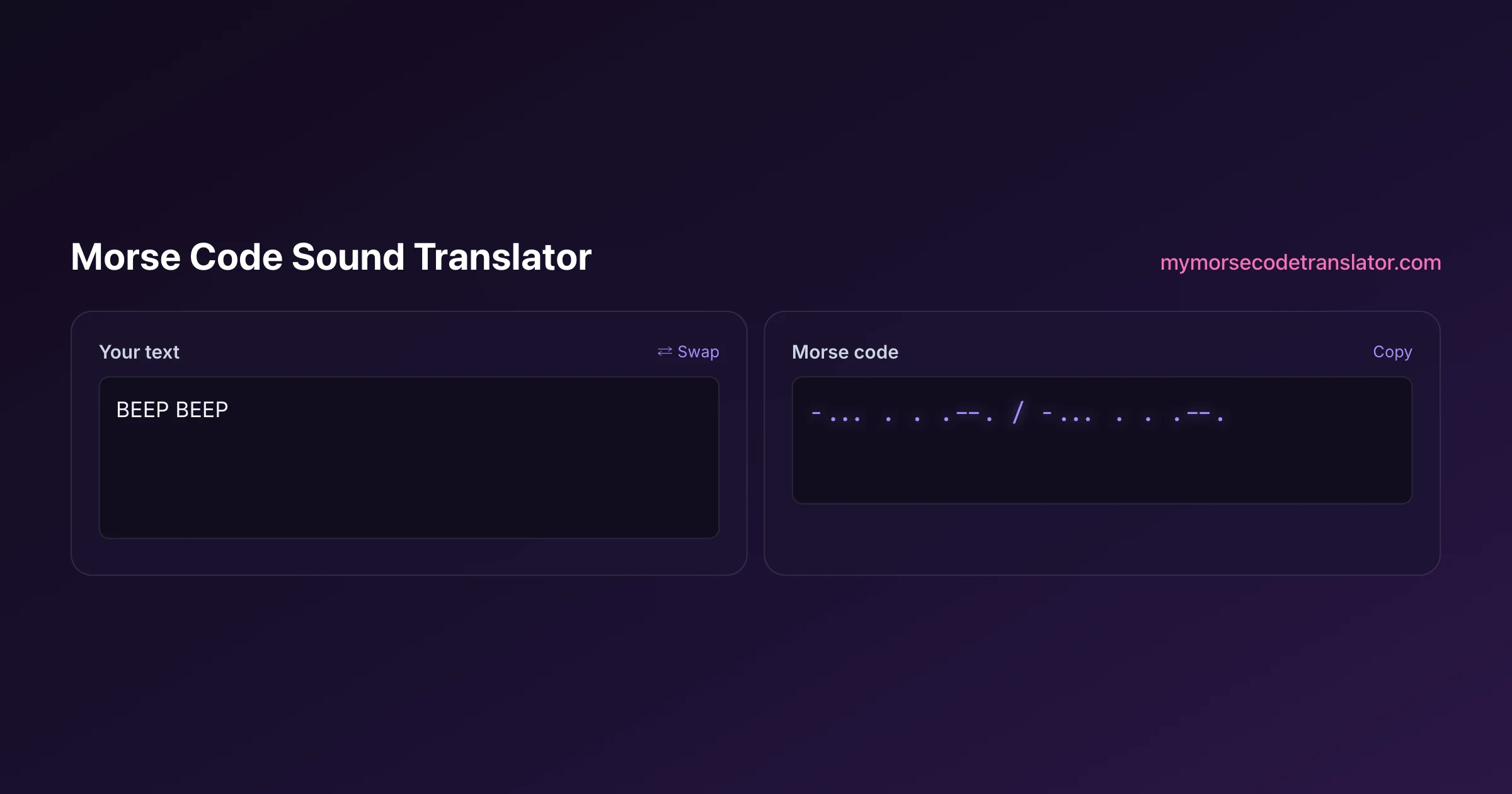
👀 Preview
Press ▶ Play — this shows what you'll see and hear.
Customize your message
Your picture appears in Play and downloaded videos. Note: it can't be included in a shared link — links carry the message only.
Share as a secret message
The message is hidden inside the link and decodes with sound & light when your friend opens it.
Why decoding sound is harder than decoding text
When you paste ... --- ... into a decoder, every piece of information is already there. The marks are separated, the gaps are explicit, and there is nothing to interpret — it is a lookup.
Audio hands you none of that for free. The tool has to work out four things before it can even start reading:
Where the tone is. A recording contains the Morse tone plus everything else — hiss, hum, a fan, traffic, someone talking. The signal has to be separated from that first.
Where each mark starts and stops. In text a dot is a character. In audio it is a rise in energy that lasts some number of milliseconds, and the edges are soft rather than sharp.
What counts as long. There is no absolute duration for a dash. It is simply three times whatever the sender's dot happens to be, so the tool must infer the sender's speed from the marks themselves before it can classify any of them.
Where the gaps mean something. Silence between marks inside a letter, between letters, and between words differ only in length — and the sender's timing wobbles.
Every one of those is an estimate, and estimates compound. That is why the same message that decodes perfectly as typed text can come back as nonsense from a phone recording made two metres from a speaker.
What makes a recording decodable
The difference between a recording that reads cleanly and one that cannot be read at all is usually decided before you press record.
A steady tone beats a loud one. A quiet, clean beep at a constant pitch is far easier than a loud one that wavers. Volume can be raised afterwards; a wobbling pitch cannot be unwobbled.
Consistent timing matters more than speed. A slow sender with a metronomic rhythm is easy. A fast sender is fine too. A sender whose dot length changes halfway through is the hard case, because the tool's estimate of "what is a dash" keeps moving.
Silence needs to be actually silent. Background noise sitting at a similar level to the tone destroys the gap detection, and the gaps carry as much meaning as the marks.
One source only. Two Morse signals overlapping — or a Morse tone over music — is close to unrecoverable, because there is no way to tell which mark belongs to which stream.
Record directly if you can. A screen recording, a line-out capture, or a file exported from the source will always beat a microphone pointed at a speaker across a room. Every metre of air adds echo, and echo smears the edges of every mark.
Getting a usable result from audio you already have
Often you cannot re-record — someone sent you a clip, or you captured something once and it will not happen again. A few things still help.
Trim to just the Morse. Cut away the talking before and after. Leading noise skews the tool's estimate of the noise floor and therefore of where the marks begin.
Normalise, do not distort. Raising the overall level is fine. Pushing it until the peaks clip is not — clipping flattens the tone and blurs the mark edges.
Cut everything except the tone's pitch band. If you know the beep sits around 600 Hz, a filter that removes the very low rumble and the very high hiss will improve the signal considerably.
Slow it down only if the pitch is preserved. Speed changes that also shift the pitch make matters worse, not better.
Transcribe by ear as a fallback. This is the honest last resort, and it works: play it slowly, write a dot or a dash for each mark and a slash for each clear gap, then paste that into the decoder. You are doing the segmentation the software could not, and a human is remarkably good at it.
That last option is worth taking seriously. A tool that fails on a noisy clip is not the end of the road — you become the front end, and the lookup still gets done for you.
Sending sound rather than reading it
The opposite direction is exact, and it is what most people on this page eventually want.
Type your message into the translator above and press play. The tone is generated from the timing engine directly — a dot is one unit, a dash is three, gaps are three and seven — so nothing is approximated. You can set the speed in words per minute and choose the pitch, and what you hear is textbook-correct Morse.
That matters for two reasons. If you are learning, practising against a perfectly-timed source is the only way to build reliable rhythm recognition; practising against sloppy audio teaches you the wrong pattern. And if you are producing something for somebody else to decode — a puzzle, a recording, a gift — starting from a clean generated signal means any decoding failure at the other end is their equipment, not your source.
There is a fuller treatment of generating and downloading audio on text to morse code audio, including choosing a pitch that stays comfortable over a long session.
The speed question, and why it decides everything
Speed in Morse is measured in words per minute, calibrated against the word PARIS — chosen because its dots, dashes and gaps add up to exactly 50 units, which makes it a convenient yardstick.
For decoding sound, speed matters in a way people do not expect. Very slow sending is not automatically easier for software: at two or three words per minute the gaps become so long that the tool can lose track of whether a silence is a letter gap or the end of the transmission. Very fast sending compresses everything toward the tool's timing resolution, and small errors start flipping dots into dashes.
The comfortable middle for automatic decoding is roughly 10 to 20 words per minute, which is also where most human operators sit. If you control the source, send in that range.
There is a second wrinkle called Farnsworth timing, where characters are sent fast but the gaps between them are stretched. It is excellent for learning, and it confuses naive decoders badly, because the ratio between mark length and gap length no longer matches the standard. If a decode is failing on audio that sounds clean and well-paced, Farnsworth spacing is a likely culprit. The full explanation of the ratios lives on morse code timing.
If you want a reference source rather than a rule of thumb, the ARRL publishes practice audio at graded speeds, and its beginner material is built around exactly this range. Decoding your own recordings against a known-good sample is the fastest way to tell whether a failure is your audio or your expectations — if the reference file decodes and yours does not, the problem is in the capture.
When the beeping is not a message at all
A meaningful share of people looking for a sound translator are not decoding a puzzle — they are trying to identify a beeping they can hear and cannot explain.
It is worth saying plainly: most repetitive beeping is not Morse. Smoke alarms with low batteries, UPS units, medical equipment, reversing vehicles, and a great many appliances all produce regular tones, and regularity is not the same as encoding. Real Morse has a distinctive irregular texture — short and long marks in varying combinations, with clearly different gap lengths — rather than a single tone repeating at a fixed interval.
There is also a genuine perceptual phenomenon where people hear structured beeping, particularly at night in a quiet house, that has no external source at all. If a sound is troubling you and nobody else can hear it, that is worth taking seriously as a health question rather than a decoding one.
If you do have a recording and want to check, the honest test is whether the marks come in two clearly different lengths. One length repeating is a machine. Two lengths in varied groupings is worth decoding. There is more on this on hearing morse code.
What this tool does and does not claim
Being straightforward about scope, because overclaiming here wastes people's time.
The translator on this page generates Morse audio exactly, and decodes typed dots and dashes exactly. Both of those are deterministic and reliable.
Decoding an arbitrary uploaded recording is a different class of problem, and no browser tool — or any tool — solves it reliably across noisy real-world audio. Anything that claims otherwise is either working only on clean generated samples or quietly guessing.
So the workflow that actually succeeds is the hybrid one: use the tool for everything it does exactly, and put a human in the loop for the segmentation step when the audio is messy. Listen, write down the marks and gaps, paste them in. It takes a few minutes and it works on recordings that defeat automated readers entirely.
If your source is a photograph rather than audio, the morse code image translator handles that path, and it is a genuinely easier problem because pixels hold still.
I recorded the same message three ways to see what actually mattered: exported straight from the tool, captured with a phone next to the speaker, and captured from across the room. The first two decoded perfectly. The third — same message, same speed, three metres of air — came back unreadable, because the echo had smeared every mark edge just enough to ruin the gap detection.
Frequently Asked Questions
Q. Can a morse code sound translator decode any recording?
No. Clean, single-source recordings with a steady tone and consistent timing decode well. Noisy audio, overlapping signals, room echo, or a sender whose rhythm drifts can defeat automatic decoding entirely — at which point transcribing the marks by ear and pasting them in is the reliable route.
Q. Why does my audio decode to nonsense?
Usually the gaps. Background noise sitting near the tone's level destroys gap detection, and the gaps carry as much meaning as the marks. Echo from recording across a room does the same by smearing the edges of each mark.
Q. What speed is easiest to decode from sound?
Roughly 10 to 20 words per minute. Slower than that and the tool can lose track of whether a long silence is a letter gap or the end of the message; much faster and small timing errors start turning dots into dashes.
Q. What is the best way to record morse code audio?
Capture it directly from the source — a screen recording, a line-out capture, or an exported file — rather than pointing a microphone at a speaker. Every metre of air adds echo, and echo is what breaks the mark edges.
Q. Can I turn text into morse code sound here?
Yes, and that direction is exact. Type your message, set the speed and pitch, and press play — the tone is generated straight from the timing engine, so a dot is one unit, a dash three, with three and seven unit gaps.
Q. Does the pitch of the tone affect decoding?
A steady pitch matters far more than which pitch you choose. Most operators use something between 500 and 800 Hz. A wavering pitch is much harder to decode than a quiet but constant one, because volume can be raised afterwards and wobble cannot be removed.
Q. Why does clean-sounding audio still fail to decode?
Often Farnsworth timing — characters sent at full speed with deliberately stretched gaps between them. It sounds clear and well-paced to a human but breaks the standard ratio between mark and gap length that a decoder relies on.
Q. Is the beeping I can hear morse code?
Most repetitive beeping is not. Alarms, UPS units and appliances produce a single tone at a fixed interval. Real Morse has marks in two clearly different lengths, grouped irregularly, with gaps of visibly different sizes.
Q. Can I decode two overlapping morse signals?
Realistically no. When two transmissions overlap there is no way to tell which mark belongs to which stream, and the same applies to Morse mixed into music. A single clean source is close to a requirement.
Q. Should I slow the recording down before decoding?
Only if the pitch is preserved. A naive speed change also shifts the pitch, which makes the tone harder to isolate rather than easier. Time-stretching that keeps pitch constant can help a human transcriber.
Q. Is my audio uploaded to a server?
The tone generation, timing and text decoding on this page all run in your browser — nothing you type is sent anywhere. If you use the image reader's fallback for a genuinely difficult photograph, that page tells you plainly what it sends and that it discards it.
Q. What should I do if nothing works?
Transcribe by ear. Play the clip slowly, write a dot or dash for each mark and a slash at each clear gap, then paste that string into the decoder. You supply the segmentation the software could not, and people are much better at that step than they expect.
Related guides
← Back to the My Morse Code Translator home page.

By Sukie
Sukie is the creator of My Morse Code Translator — a puzzle nerd and gadget tinkerer who fell down the Morse code rabbit hole and decided to build the most fun Morse translator on the web. When she's not adding new sound packs or reveal animations, she's decoding hidden messages in songs or designing Morse code bracelets for friends.
Last updated: 2026-10-07