Morse Code Translator Online
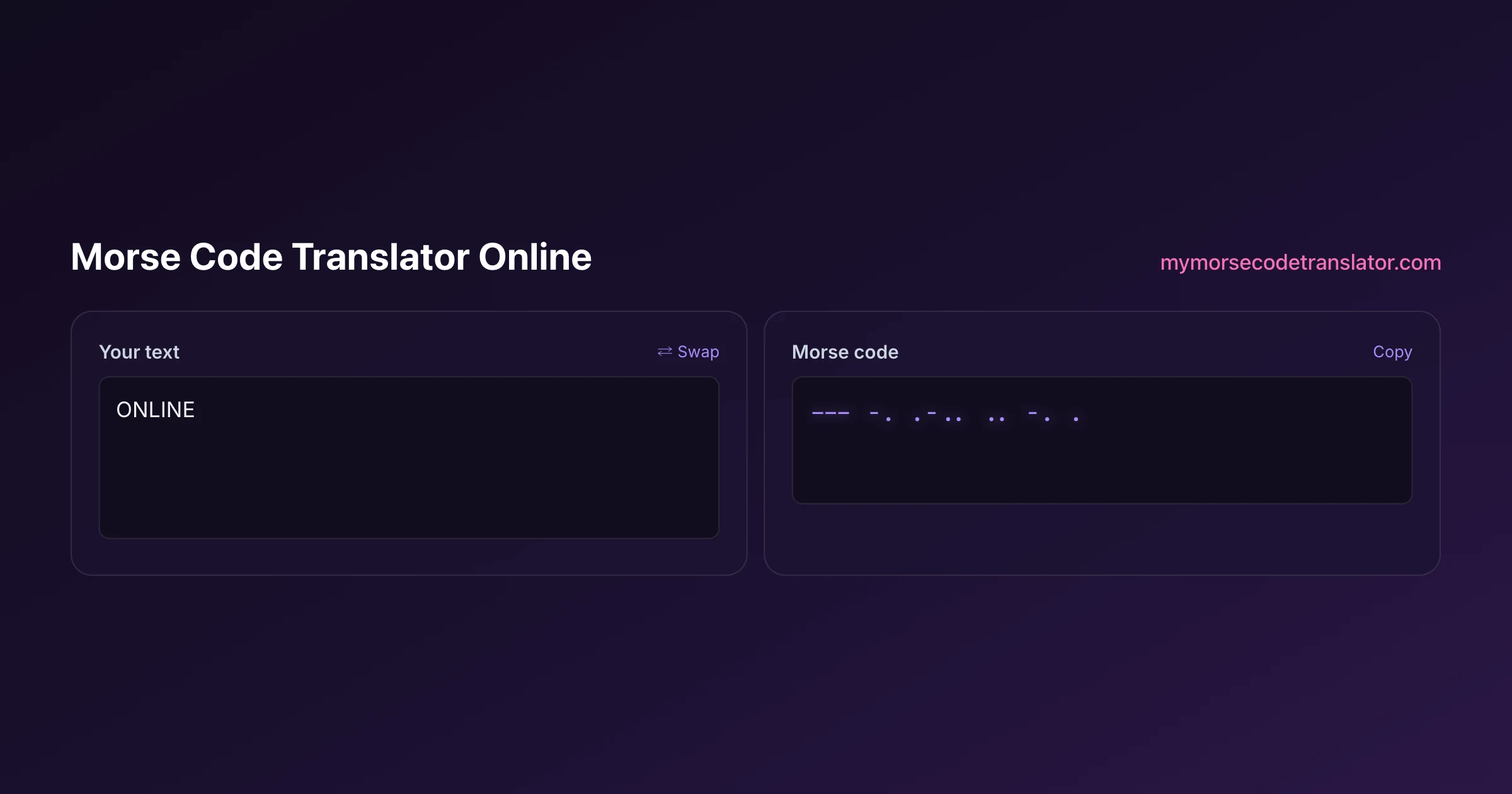
A morse code translator online means exactly what it says: a tool that lives in your browser tab, so there is nothing to download, no app store, and no account. Open the box above on whatever device is in your hand right now, type a sentence, and the dots and dashes appear as you go, or paste dots and dashes and read the English back. It runs the same on a phone on the bus as it does on a desktop at your desk, and everything you type stays on your own machine.
👀 Preview
Press ▶ Play — this shows what you'll see and hear.
Customize your message
Your picture appears in Play and downloaded videos. Note: it can't be included in a shared link — links carry the message only.
Share as a secret message
The message is hidden inside the link and decodes with sound & light when your friend opens it.
Why doing this online beats installing anything
The whole appeal of an online translator is that you skip the friction. There is no 40-megabyte app to download, no update nagging you next month, no permission dialog asking for your contacts. You tap a link, the page loads, and you are converting Morse a second later. That is a big deal when you just want to decode a message a friend sent you or check the code for a single word before you engrave it.
It also means the tool is always the current version. Because it lives on the web, the moment a new sound pack or feature ships, it is simply there the next time you open the page, with nothing for you to reinstall. And because it is a web page, you can bookmark it, share the link, or open it on a borrowed laptop without leaving anything behind.
The quiet trade-off people expect with 'online' is privacy, and this is where this particular translator breaks from the pattern. Being online does not mean your text goes to a server. The conversion is done by JavaScript running inside your own browser, so your words never leave the device even though the tool arrived over the internet. You get the convenience of the web with the privacy of an offline app, which is the combination most Morse tools fail to offer.
Everything you can do the second the page loads
This is not a one-trick converter. The moment the widget is on screen you can translate in both directions, hear the result, and turn it into something you can send. Here is the range without any setup:
- Type English and watch it become dots and dashes live, or paste dots and dashes and read the English back
- Play the message as real audio with correct dot, dash, and gap timing
- Pick from six sound packs so it does not just 'beep', or record your own sound and make that the beep
- Flash the whole screen in time with the code, or flash an uploaded photo instead
- Reveal the words karaoke-style as the code plays, so you can follow along
- Download the result as an MP3, a WAV, or a vertical MP4 for TikTok, Reels, or Shorts
- Create a secret-message link that replays your message, with your exact settings, for whoever you send it to
Most translators stop at 'here are your dots and dashes'. The reason to keep this one bookmarked is that it carries the message all the way from typed text to something you can actually hear, see, share, or post.
The same tool on your phone and your laptop
Because it is a responsive web page, the layout reshapes itself to whatever screen you open it on. On a phone the input and output stack vertically and the buttons grow to thumb size; on a desktop they sit side by side so you can watch text and code at once. The logic underneath is identical, so a message you encode on your laptop decodes byte-for-byte the same on your phone.
There is one honest hardware caveat worth knowing. The whole-screen flash works everywhere, because any screen can go bright and dark. Controlling the actual camera torch, though, depends on the browser, and mobile Safari in particular does not hand web pages the flashlight. So on an iPhone the screen-flash is your light source rather than the rear torch. That is a browser limitation across the board, not something a specific app has solved, and the screen-flash is plenty bright for signalling across a dark room or a campsite.
Everything else, the audio, the sound packs, the recording, the reveal styles, the downloads, the secret link, behaves the same on both. You can genuinely start a message on one device and finish it on another.
Making the message yours: sound, light, and reveal
Plain beeps are fine, but the fun of an online tool is that you can dress the message up in a few taps. Start with sound. Instead of a generic tone you get six packs to choose from: a clean CW radio tone like a ham operator hears, mechanical telegraph clicks, a sci-fi blip, a chiptune 8-bit sound, a soft music box, and a submarine sonar ping. On top of that you can nudge the speed, pitch, and volume, and switch on Farnsworth timing, which keeps each letter fast but stretches the gaps so a learner's ear can keep up.
The feature nobody else offers is recording your own sound and using that as the beep. Record a word, a clap, a dog bark, a single piano note, and the translator will play your message using that clip for every dot and dash. It turns a signal into something personal in a way a fixed tone never can.
Then there is light and reveal. You can make the entire screen flash in rhythm with the code, with an epilepsy-safe opt-in before any flashing starts, or upload a photo and have that image flash the message instead. And the karaoke and spotlight reveal styles light up each word as its code plays, so a friend watching over your shoulder can read along instead of squinting at dots. Mix and match these and the same three-word message can feel like a radio transmission, a lighthouse, or an arcade game.
Sharing and saving without ever making an account
Once your message sounds and looks the way you want, an online tool should let you get it out into the world, and this one does without asking you to sign up. The most novel option is the secret-message link. The tool encodes your message and your exact settings, the sound pack, the speed, the reveal style, whether the screen flashes, straight into a URL. You send that link, and when the other person opens it, they press one play button and the message replays exactly as you built it, fullscreen flash and all. Nothing about the message is stored on a server; it all rides inside the link itself, which is why you can share it and then it simply exists between the two of you.
If you would rather have a file, you can download the message three ways. An MP3 or a WAV gives you the audio to drop into a video, a voicemail, or a playlist. The vertical MP4 export is built for social: it bakes your sound, your reveal animation, and your picture into a watermarked clip sized for TikTok, Reels, and Shorts, so a Morse message becomes something you can actually post. And if the Morse came to you as a picture rather than text, the tool can read a signal out of an uploaded image and hand you the dots and dashes to translate. All of it happens through the browser, no login required.
Privacy, accuracy, and the standard it follows
Two questions matter for any online tool: can you trust it with your words, and is it actually correct? On the first, the answer is that your text never leaves your browser. The translation, the audio, the flashing, and even the secret-link encoding all happen locally in JavaScript. Close the tab and there is nothing on any server to delete, because nothing was ever sent. That is the design choice that lets you encode a private note or a surprise message without a second thought.
On accuracy, the letter, number, and punctuation tables follow International Morse Code, the worldwide standard documented in detail on Wikipedia's Morse code article and used by amateur radio operators, scouts, and maritime services everywhere. That is why a message you encode here reads correctly to anyone reading real Morse, not just to this one website. There is more than one historical Morse, the old American landline code used different patterns for several letters, but for essentially everything you will meet today, the international standard this tool uses is the right one. So you get an online translator that is convenient, private, and correct all at once, which is a rarer combination than it should be.
I opened this on a friend's Android phone at a campsite with one bar of signal, and after the page loaded the flashlight flash actually drove the phone's rear torch across the field to another tent, no reinstall, no login. On my own iPhone the same night, only the screen would flash, which is exactly the Safari torch limitation I always warn people about.
Frequently Asked Questions
Q. Is this morse code translator online completely free to use?
Yes. Every core function, translating both directions, playing audio, the six sound packs, recording your own sound, the flash and reveal effects, and the secret-message link, works in the browser with no sign-up and no payment. There is nothing to install and no account to create.
Q. Does it work offline once the page has loaded?
Largely, yes. Because the translation runs in your browser rather than on a server, once the page is open the encoding, decoding, and audio keep working even if your connection drops. You only need the internet to load the page the first time or to open a shared secret link.
Q. Will it run on my phone as well as a computer?
Yes. The page is responsive, so it reshapes for phones, tablets, and desktops, and the logic is identical on all of them. The one hardware difference is the camera torch: mobile Safari does not give web pages flashlight control, so on an iPhone the whole-screen flash is your light source instead of the rear torch.
Q. Is my message uploaded anywhere when I use it online?
No. Despite living on the web, the tool does the conversion locally in your browser with JavaScript. Your text and its Morse translation are never sent to or stored on a server, so private notes and puzzle answers stay on your device.
Q. Can I really record my own sound for the beeps?
Yes, and it is the feature no other online translator has. Record a short clip, a word, a clap, a note, and the translator uses it in place of the standard tone for every dot and dash, so your message plays back in your own sound.
Q. How do I send a message to a friend?
Use the secret-message link. The tool packs your message and your exact settings into a URL, and your friend just opens it and presses play to hear and see it exactly as you built it. You can also download an MP3, WAV, or vertical MP4 to share as a file instead.
Q. What is the vertical MP4 export for?
It turns your message into a video sized for TikTok, Reels, and Shorts, with your chosen sound, your karaoke or spotlight reveal, and any picture you added baked in and lightly watermarked. It is the fastest way to make a Morse message you can actually post.
Q. Can it translate a picture of Morse code?
Yes. Upload an image of a signal and the tool reads the dots and dashes out of it, then hands them to the same decoder that turns them into English. It is handy for a photo of a puzzle card, a signal light, or a bracelet.
Q. Which version of Morse code does it use?
International Morse Code, the modern worldwide standard documented on Wikipedia and used by ham radio, scouts, and maritime services. It is the right choice for almost everything today. Very old American landline telegrams used a different code and would not decode correctly.
Related guides
← Back to the My Morse Code Translator home page.

By Sukie
Sukie is the creator of My Morse Code Translator — a puzzle nerd and gadget tinkerer who fell down the Morse code rabbit hole and decided to build the most fun Morse translator on the web. When she's not adding new sound packs or reveal animations, she's decoding hidden messages in songs or designing Morse code bracelets for friends.
Last updated: 2026-07-14